 Rapidemo
Record entire screen
Last updated:
Record your entire desktop on Windows: pick Screen under Source, choose a monitor if you have several, and click Record. Zooms are added for you.
Pick Screen under Source, then click Record.
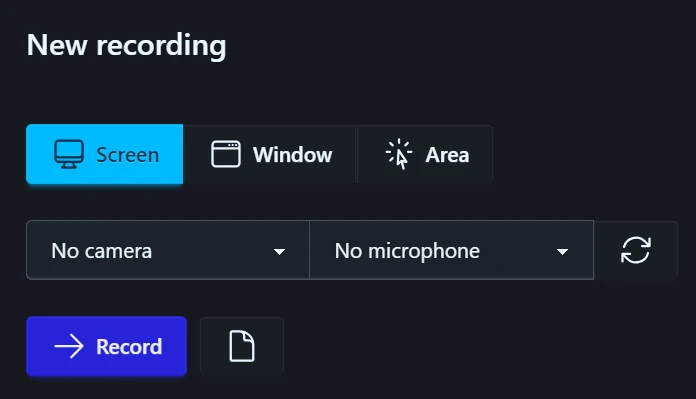
Choose which display to record
With a single display, Screen selects it straight away. With several, a picker opens first: hover a display to highlight it, then click the one you want. esc cancels.
Rapidemo records that display only.