
Gradient wallpaper generator

Make a linear or mesh gradient wallpaper for your desktop, laptop or phone. Pick the colors, add a little grain, download a full-resolution PNG. Free, in your browser.

Size
Style
Colors
Presets

Your colors and settings are saved in this browser. The wallpaper renders on your computer.

How it works

  1. 1

    Pick a size

    1080p, 1440p, 4K, MacBook, phone or ultrawide. The preview keeps the aspect ratio; the download is the full size.
  2. 2

    Choose the colors and the style

    Start from a preset or set two to five color stops. Linear gives a clean sweep in one of eight directions; mesh scatters the colors into soft blobs. Shuffle rearranges either one. Add grain if you want texture.
  3. 3

    Download the PNG

    The wallpaper renders at full resolution on your computer and saves as a PNG, ready for your desktop or lock screen.

Gradient wallpaper generator FAQ

What sizes can I download?

1920x1080 (Full HD), 2560x1440 (QHD), 3840x2160 (4K), 2880x1800 (MacBook), 1080x1920 (phone) and 3440x1440 (ultrawide). The PNG is rendered at the full size on your computer.

What is a mesh gradient?

A gradient where each color sits in a soft blob rather than a straight sweep, so the colors blend in two dimensions. Shuffle moves the blobs (in linear style it reorders the colors and picks a new direction); the same arrangement renders in the preview and the download.

Is anything uploaded?

No. The wallpaper is drawn in your browser and saved straight to your computer. Your color choices are kept in this browser so they are there next time.

Can I use these gradients behind a screen recording?

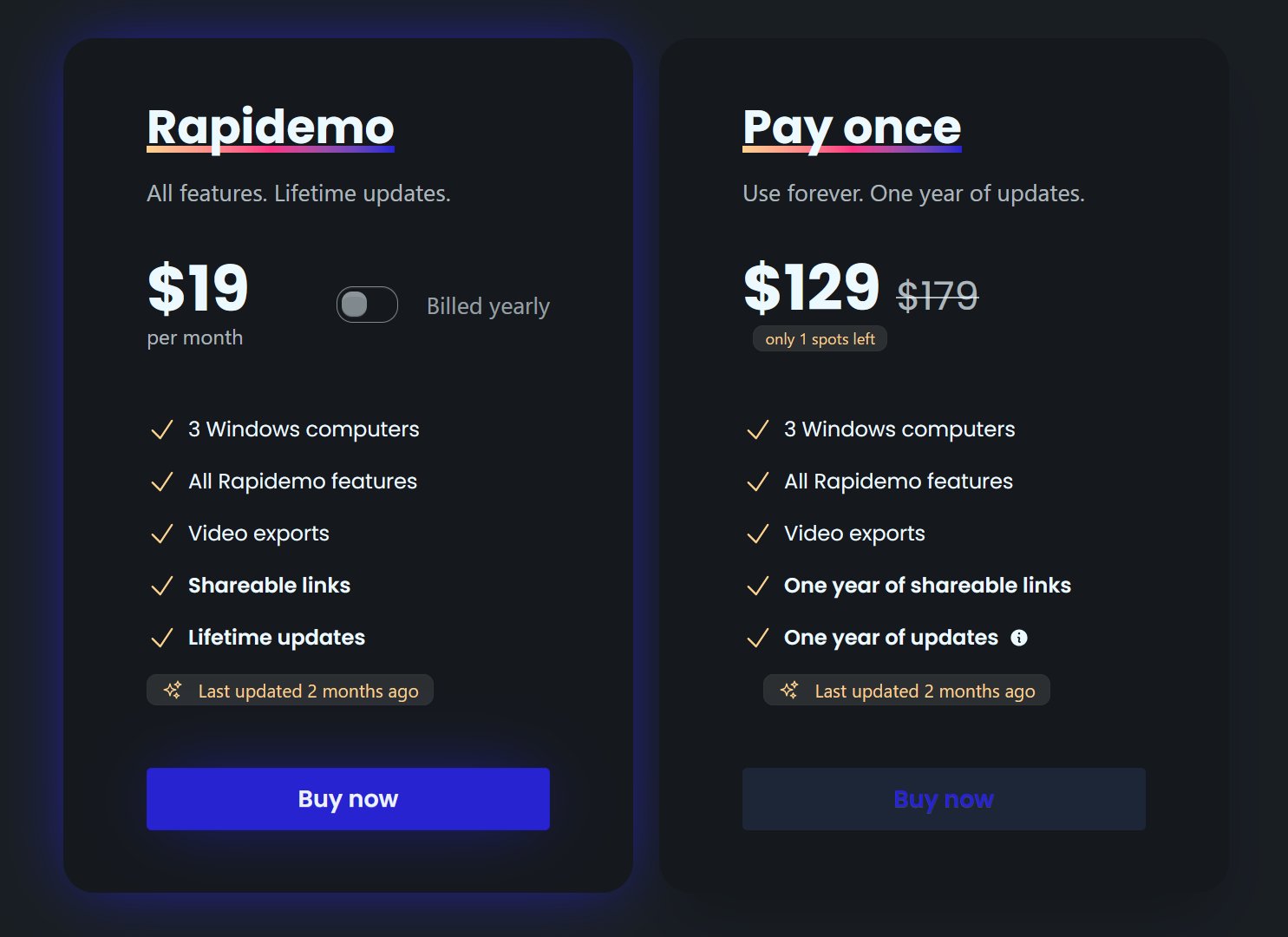
Yes. Rapidemo puts your recording on a gradient background with rounded corners and a shadow, and these presets are the same ones its editor ships with. The screenshot beautifier does the same for still images.

What Rapidemo users are saying

950+ creators record their screen with Rapidemo. Here is what they say about it.

Headshot of Harry Symons
Harry Symons
I've been really enjoying using Rapidemo – it's incredibly easy to use and makes creating videos quick and straightforward. The interface is intuitive, and I was able to get started right away without any learning curve. Highly recommend for anyone looking for simple, effective video software.
Headshot of ととしま
ととしま @toyoshima_dev
Rapidemoめっちゃよかったから課金はしようと思うんだけど、買い切りにするか悩むねえ
使うときだけ毎月課金がお得なのは理解してるんだけど、俺は買い切りって言葉に弱えんだ
Headshot of Jonnier
Jonnier @jonniermart
Esta es la mejor herramienta para grabar pantalla en Windows. ❤️
Headshot of original だいすけ
これ、まさにズームマジックですね。なんの気ないトランジションでも効果的に見える。

Screen Recorder for Windows · Rapidemo https://getrapidemo.com/
Headshot of aron
aron @designbyaron
rapidemo is the sauce for windows
Headshot of Harry Symons
Harry Symons
Headshot of Pablo
Pablo @Pabloguiraox
Thanks so much for your incredible tool! It's the BEST screen recording software out there, Amazing job, you're a true legend!
Headshot of Brad
Brad @brad_agi
Rapidemo is sick! It saved me 2k — almost bought a Mac just for Screen Studio.
Records product demos

The same backgrounds, behind your screen recordings

Rapidemo records your screen on Windows 10 and 11, zooms in on your clicks, smooths the cursor and places the recording on a gradient like this one. Record once, post a polished video minutes later.

Free to record and edit. License unlocks export.

Rapidemo is built for Windows

Get a download link sent to your email for when you're back at your computer.

Check your inbox for your download link.

Just one email, no spam. Download for Windows.