Screen recorder with automatic zoom

Rapidemo is a screen recorder that automatically zooms in on clicks. It tracks your mouse activity and adds smooth, cinematic zoom animations while you record, so recordings look professionally edited without any manual work. Built for Windows 10 and 11.

Free to record and edit. License unlocks export.

Rapidemo is built for Windows

Get a download link sent to your email for when you're back at your PC.

Check your inbox for your download link.

Just one email, no spam. Download for Windows.

Zoom animations, added automatically

Rapidemo turns your clicks into polished zoom animations as you record, then lets you fine-tune every one in a simple timeline editor. No manual keyframing, no editing skills.

How Rapidemo's automatic zoom works

Most screen recorders just capture a flat video, so adding zoom means keyframing it by hand afterward. Rapidemo records your screen and your mouse separately. It detects where you click, zooms in on those spots, and eases back out when you move on.

Because each zoom is added after you record instead of baked in, every one stays editable, and it works anywhere on your desktop, not just in a browser.

Frequently Asked Questions

Common questions about auto-zoom in Rapidemo.

What is a screen recorder with automatic zoom?

It is a screen recorder that adds zoom-in animations to your recording automatically, based on where you click, so you don't have to add or animate zooms by hand. This is often called auto-zoom. Rapidemo does this on Windows 10 and 11.

What triggers the automatic zoom in Rapidemo?

Rapidemo zooms in when it detects focused activity, such as a cluster of clicks in one area, then smoothly eases back out. You never mark zoom points manually.

Can I adjust or turn off the automatic zoom?

Yes. Every automatic zoom is editable in the timeline: change its depth, position and timing, add your own zoom regions, or remove any zoom you don't want.

Does the automatic zoom work on Windows?

Yes. Rapidemo is a native Windows 10 and 11 app, and its automatic zoom works across the entire desktop, any window or the full screen, not just inside a browser.

Can I try Rapidemo for free?

Yes. Download Rapidemo and use every feature for free. You only need a license to export your finished video.

How much does Rapidemo cost?

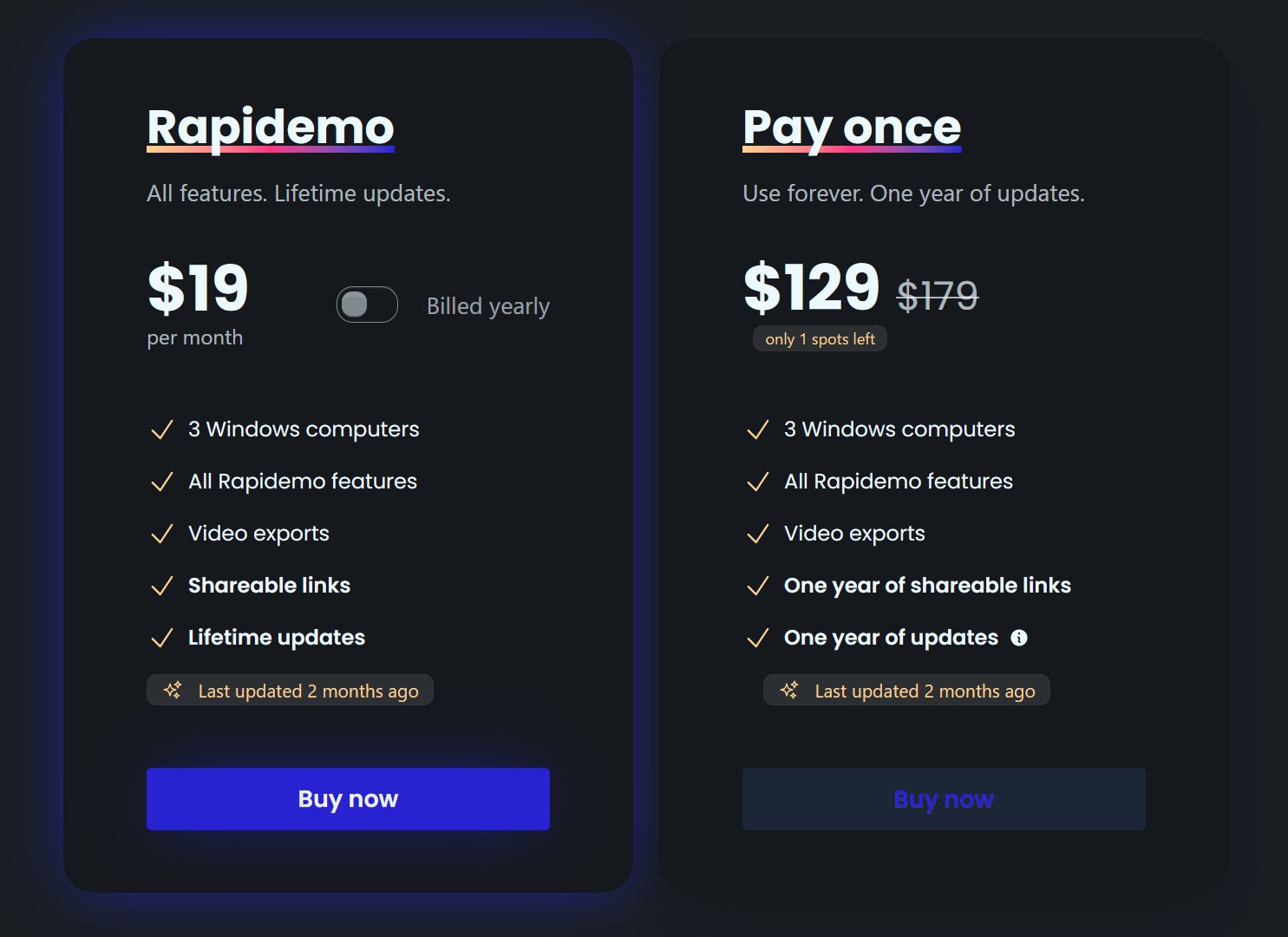
Rapidemo starts at $9/month billed annually, with a monthly plan and a one-time lifetime license also available. See the pricing page for full details.

Can I get a refund?

Yes. Lifetime license purchases are refundable within 7 days. Subscriptions and lifetime renewals are non-refundable.

What Rapidemo users are saying

840+ creators record beautiful screen recordings with Rapidemo.