Rapidemo
Ignore clicks
Last updated:
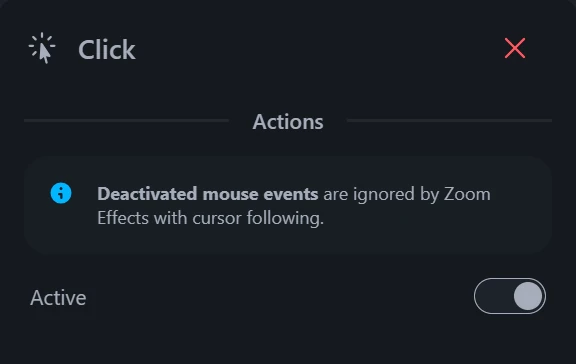
Remove the animation for certain Clicks, for example after clicking accidentally. Switch a Click’s animation off to leave the press out of the video.
Disable clicks
Select the desired Click on the timeline to reveal its properties, then switch Show animation off. The cursor no longer presses down when that click lands, so an accidental click leaves no trace in the video.
Zooms are separate. To stop the view moving to a click you didn’t mean to make, delete or retime that zoom.