 Rapidemo
Scenes
Last updated:
A Scene is one recording inside your project. Combine multiple Scenes into a single video, each with its own look, and edit them on one continuous timeline.
A Scene is one recording: its screen capture plus the camera and microphone audio recorded with it. A freshly recorded project has a single Scene. Add more Scenes to combine multiple recordings into one video, joined by optional transitions.
Scenes on the timeline
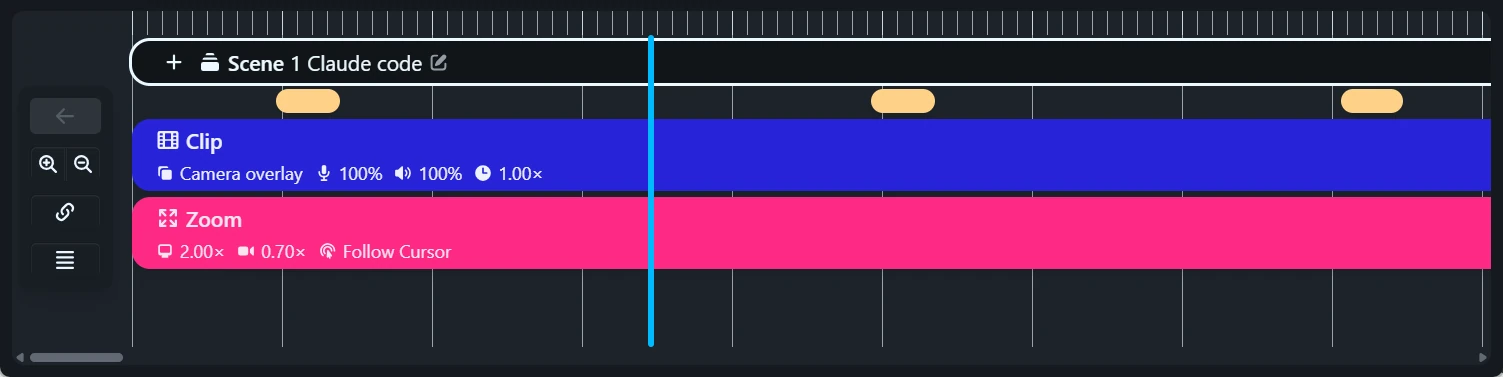
Each Scene appears as a labeled Scene element at the top of the timeline. In multi-scene projects each Scene element also shows the Scene’s number, and an indicator marks the Scene whose properties you’re editing.
Select a Scene by clicking its element. Its properties appear next to the preview. Click it again to deselect.
Right-click a Scene element to insert a new Scene with New to the left or New to the right, Rename or Delete the Scene, or open its properties with Customize.
Each scene has its own look
Background, padding, cursor styling, subtitle styling, camera styling and trims are per Scene. Editing them affects only the active Scene, so one video can move from a branded background in Scene 1 to a plain one in Scene 2.
In multi-scene projects, a numbered header at the top of the properties names the Scene you’re editing.
Apply settings to other scenes
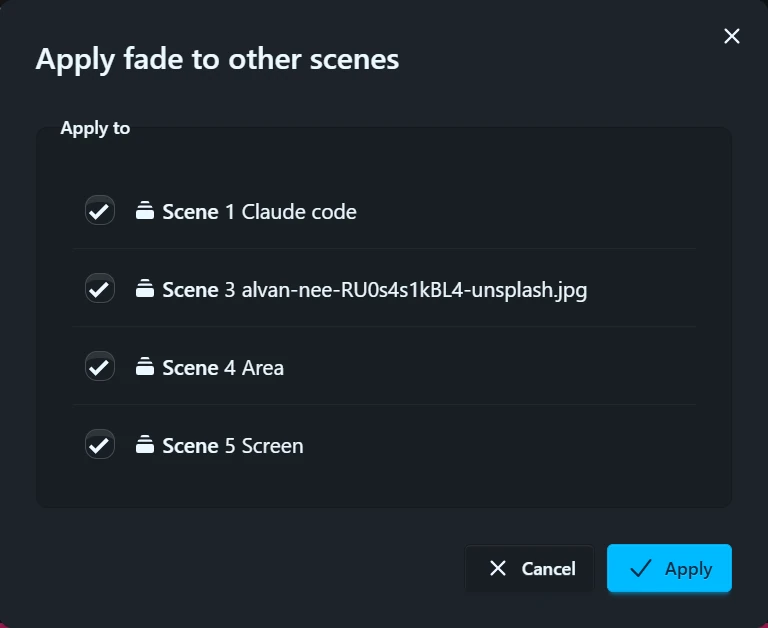
To reuse a Scene’s look, click Apply to other scenes at the bottom of the applicable properties. A checklist of the other Scenes opens. Pick the ones that should copy the current Scene’s settings.
Applicable Scenes are pre-checked. Scenes a setting can’t apply to are shown disabled with a reason. For example, a camera setting can’t apply to a Scene recorded without a camera.
To make new recordings start with a certain look instead, use Set as default or an editor preset.