Screen recorder with cursor smoothing

Rapidemo is a screen recorder that smooths your cursor automatically. It records mouse movement separately and replaces jittery motion with a smooth, cinematic glide, so your recordings are calm and easy to follow. Built natively for Windows 10 and 11.

Free to record and edit. License unlocks export.

Rapidemo is built for Windows

Get a download link sent to your email for when you're back at your PC.

Check your inbox for your download link.

Just one email, no spam. Download for Windows.

A smooth cursor, done for you

Rapidemo tracks your mouse separately from the screen and replaces jittery movement with smooth, cinematic motion, then lets you resize, theme and animate the cursor in a simple timeline editor.

How Rapidemo's cursor smoothing works

Most recorders capture the shaky cursor as part of the video, baked in and stuck there for good. Rapidemo records your screen without the cursor and tracks your mouse separately, then overlays its own cursor and replaces the jittery path with a smooth, eased motion that glides between targets.

Because the cursor is a separate layer, Rapidemo can also swap in a sharp vector pointer, animate your clicks, and let you resize it or change its theme after recording.

Frequently Asked Questions

Common questions about cursor smoothing in Rapidemo.

What is a screen recorder with cursor smoothing?

It is a screen recorder that replaces jittery mouse movement with eased, fluid motion automatically, so the pointer glides instead of darting around. Rapidemo does this on Windows 10 and 11.

How does Rapidemo smooth the cursor?

Rapidemo records your screen without the cursor and tracks the mouse separately, then overlays a custom cursor and eases its motion between targets, turning a shaky path into a smooth glide.

Can I change the cursor size and color?

Yes. After recording you can resize the cursor, change its color theme, and adjust click animations in the timeline editor, no editing skills required.

Does cursor smoothing work on Windows?

Yes. Rapidemo is a native Windows 10 and 11 app, and cursor smoothing works across the entire desktop, any window or the full screen, not just inside a browser.

Can I try Rapidemo for free?

Yes. Download Rapidemo and use every feature for free. You only need a license to export your finished video.

How much does Rapidemo cost?

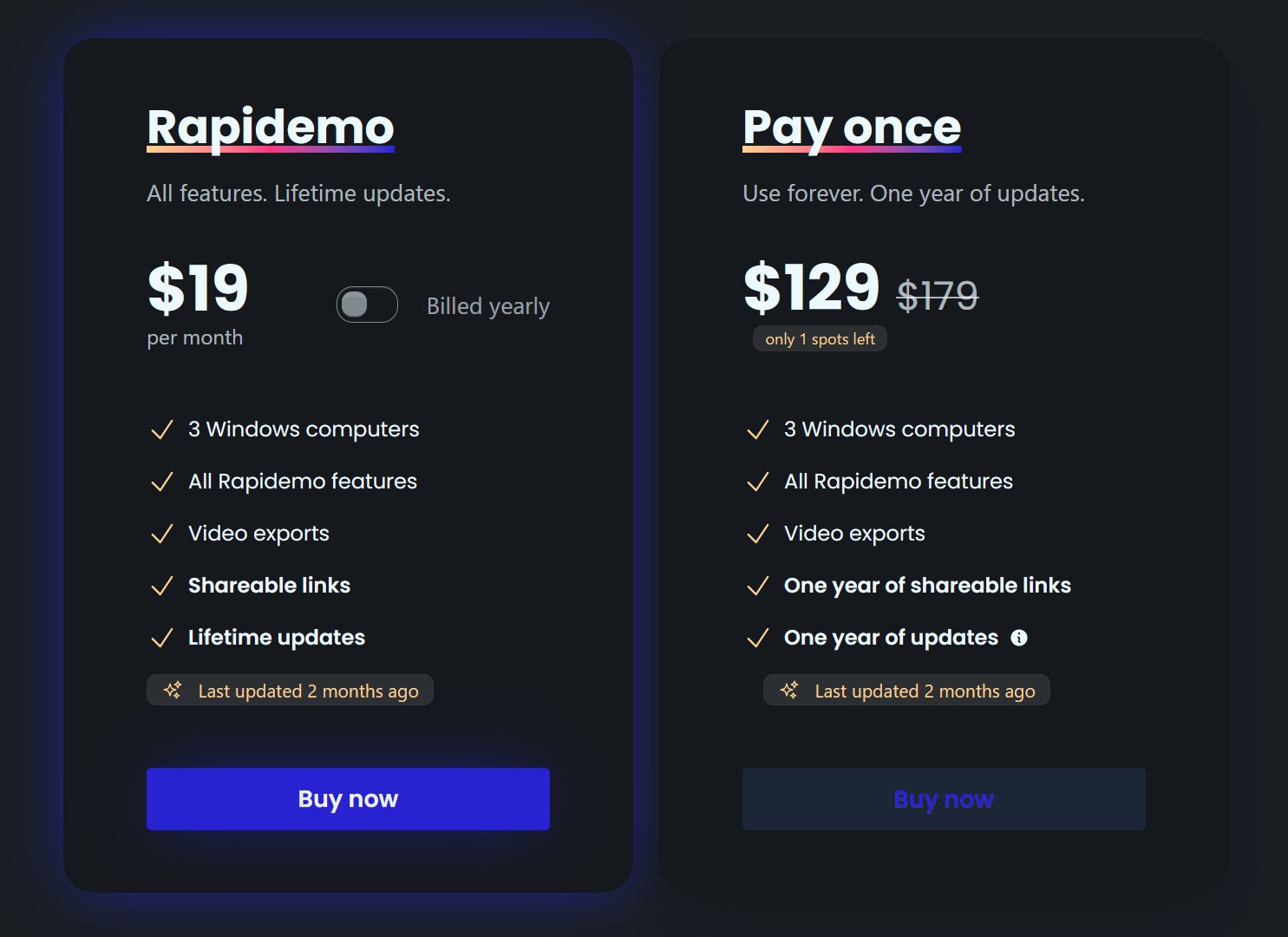
Rapidemo starts at $9/month billed annually, with a monthly plan and a one-time lifetime license also available. See the pricing page for full details.

Can I get a refund?

Yes. Lifetime license purchases are refundable within 7 days. Subscriptions and lifetime renewals are non-refundable.

What Rapidemo users are saying

840+ creators record beautiful screen recordings with Rapidemo.