Rapidemo
Speed up a clip
Last updated:
Accelerate parts of your video, for example while you’re typing. Change the playback rate of a single Clip, or of the whole video.
Change playback speed of a clip
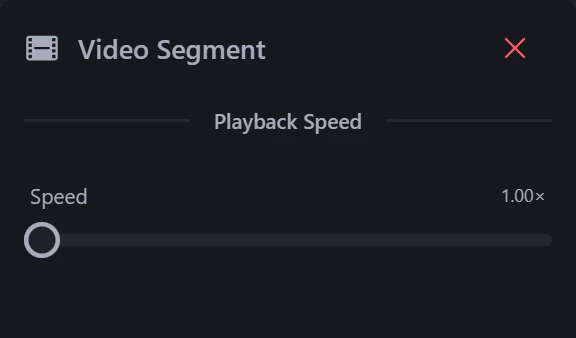
After highlighting a Clip on the timeline, adjust the playback speed in its properties. One slider covers 1x to 16x. Each Clip’s speed is independent, so you can fast-forward the boring parts and keep the important ones at normal speed.
Above 5x the Clip loses its audio.
To speed up only one section, split the Clip before and after it first.