 Rapidemo
Record an area
Last updated:
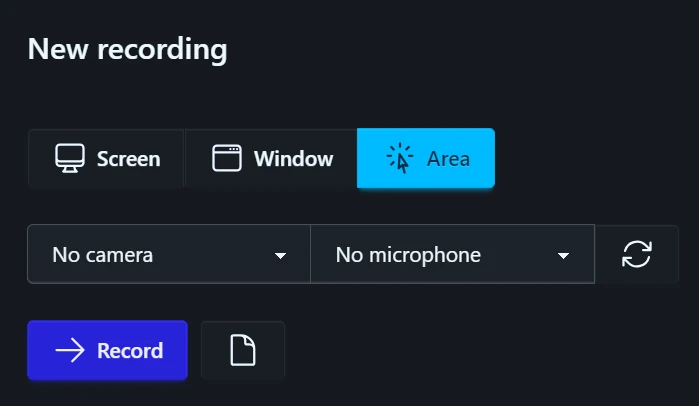
To record a region of your screen, pick Area under Source. A picker then lets you drag out the rectangle to capture.
When you’re ready, click Record.
Drag out the rectangle on any display. esc cancels the picker.
Lock the area to an aspect ratio
The picker’s top bar holds Free, 16:9, 9:16 and Square buttons. Pick one and the rectangle keeps that shape while you draw, resize or move it, so you can frame the recording for its final format before you start.

Reuse the last area
Last used brings back the rectangle and ratio from your previous recording in one click.