 Rapidemo
Manual zoom
Last updated:
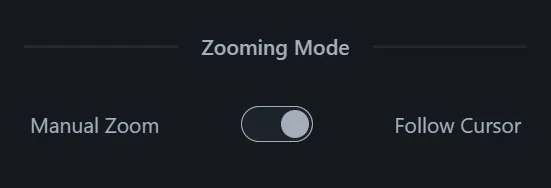
If you want full control over a Zoom effect, set its Mode to Manual zoom and pick a static target point to zoom in on.
Switch to manual zoom
After highlighting a Zoom element on the timeline, set Mode to Manual zoom in the Focus group. This works for automatically created zooms too.
Set the focus point
Use the coordinate picker to set the focus point of the Zoom.
To see the preview update as you change the target, move the playhead onto the Zoom element.