Rapidemo
Notes
Last updated:
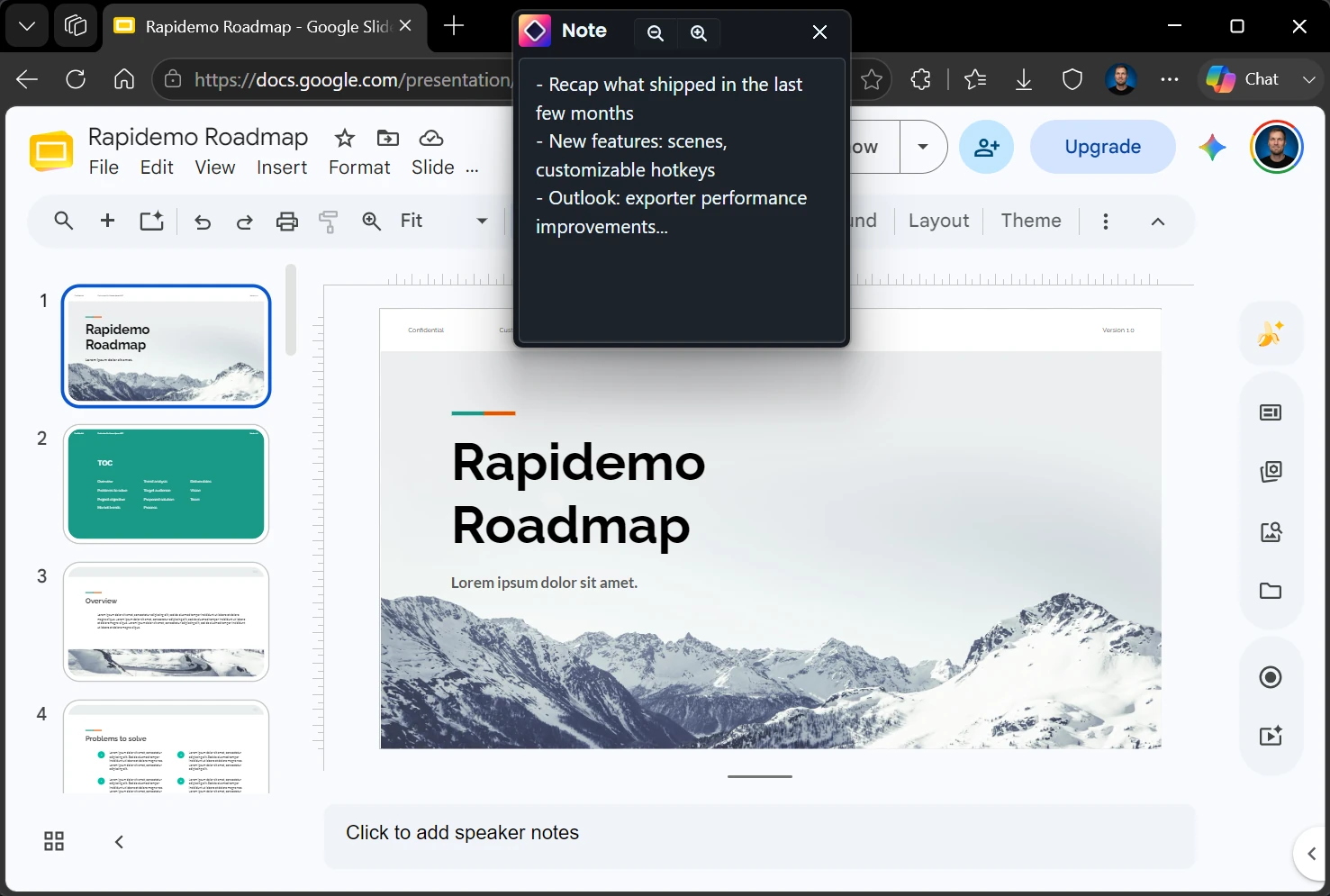
Write notes or a script before recording and keep them on screen while you record. Only you can see the notes window. It never appears in the video.
Write notes before recording
Before you start a recording, click Notes in the recorder to open the notes window. Use it for a full script, an outline, or a list of points you don’t want to forget.
Read notes while recording
The notes window stays on top while you record, like a teleprompter. Only you can see it: it’s never captured, so it won’t appear in the finished video.
This lets you stay on script without a second screen or printed notes.