 Rapidemo
Record a window
Last updated:
To record a specific window, pick Window under Source. A picker then lets you choose which window to capture.
Once you’re ready, click Record.
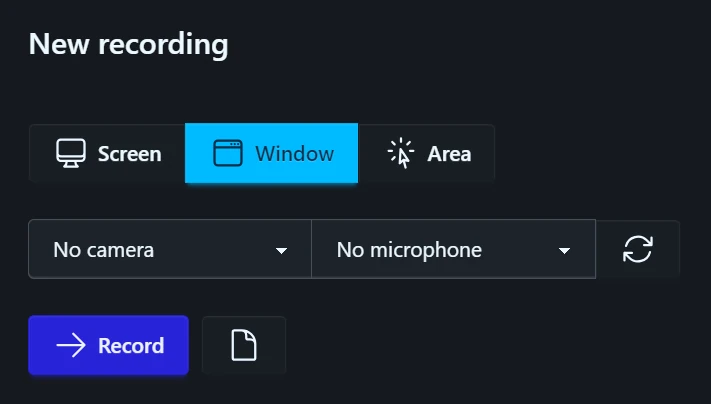
You can record a window on any display. A window stretched across two monitors is offered on both, and picking one records the part on that display. esc cancels the picker.
If you use virtual desktops, first move Rapidemo to the desktop the desired window is on, then pick it.
Keep the window in place
Rapidemo captures the screen area the window occupies when recording starts, and doesn’t follow it afterwards. Moving, resizing or minimizing the window mid-recording changes what ends up in the video.
The window also has to be on screen when you start.