How to make a professional product demo video on Windows

You have seen the smooth, zoomed-in demos founders post, and most of them use a Mac tool. Rapidemo brings that look to Windows, automatically, so you can make a professional product demo in minutes without editing skills. Here is how.

Free to record and edit. License unlocks export.

Rapidemo is built for Windows

Get a download link sent to your email for when you're back at your PC.

Check your inbox for your download link.

Just one email, no spam. Download for Windows.

Make a professional demo, step by step

A great product demo is short, easy to follow, and looks polished without hours of editing. The "Screen Studio look," smooth zoom-in effects on clicks and a gliding cursor, is what makes a recording feel professional, and until recently it was a Mac-only trick. Rapidemo does it automatically on Windows 10 and 11. Here is the fastest way to make one.

  1. 1

    Keep it short and show the outcome first

    The best product demos are under about 90 seconds and lead with the result, not a slow tour. Makers say they are put off the moment a demo drags, so script the one thing your product does, problem to outcome, before you record.
  2. 2

    Record with a tool that adds the polish for you

    On Windows, a plain screen capture looks flat, and it is not just a screen recording that people react to, it is the smooth, zoomed-in motion. Rapidemo records your screen (and optional webcam and mic) and adds that polish automatically, so you do not need to be a video editor.
  3. 3

    Let Rapidemo add smooth zoom-on-click and cursor motion

    This is the "Screen Studio look" people ask for, on Windows. Rapidemo detects your clicks and eases in with a smooth zoom, then smooths the cursor so it glides between targets. No keyframing, no plugins.
  4. 4

    Fine-tune the automatic zooms

    Rapidemo adds the zooms for you. If a zoom ever looks off, remove or adjust it in the timeline, so the emphasis stays on the moments that matter.
  5. 5

    Add subtitles and pick your aspect ratio

    Generate subtitles in one click (many people watch demos muted), then export 16:9 for a landing page or 9:16 and 1:1 for social, all from the same recording.
  6. 6

    Export and share

    Export up to 4K at 60fps and drop the video on your landing page or send a shareable link. You have a professional-looking demo in minutes, and you never opened a video editor.

Professional product demos: FAQ

Common questions about making a professional product demo on Windows.

How do I make a product demo video that looks professional?

Record with a tool that adds motion polish automatically. Rapidemo zooms in on your clicks, smooths the cursor, and adds subtitles from a single take on Windows, so the demo looks professionally edited without editing skills.

Is there a Screen Studio for Windows?

Screen Studio is macOS-only. Rapidemo is the closest Windows equivalent: it reproduces the smooth zoom-on-click and cursor motion that gives Screen Studio demos their look, natively on Windows 10 and 11.

How long should a product demo video be?

Short. Most viewers lose interest past a couple of minutes, so aim for 30 to 90 seconds, show the outcome first, and cut anything that is not essential.

How do I make a demo without any video-editing skills?

Let the recorder do the editing. Rapidemo adds the polish for you, then lets you adjust it with simple controls instead of a traditional multitrack timeline, so there is nothing to learn.

Can I try Rapidemo for free?

Yes. Download Rapidemo and use every feature for free. You only need a license to export your finished video.

How much does Rapidemo cost?

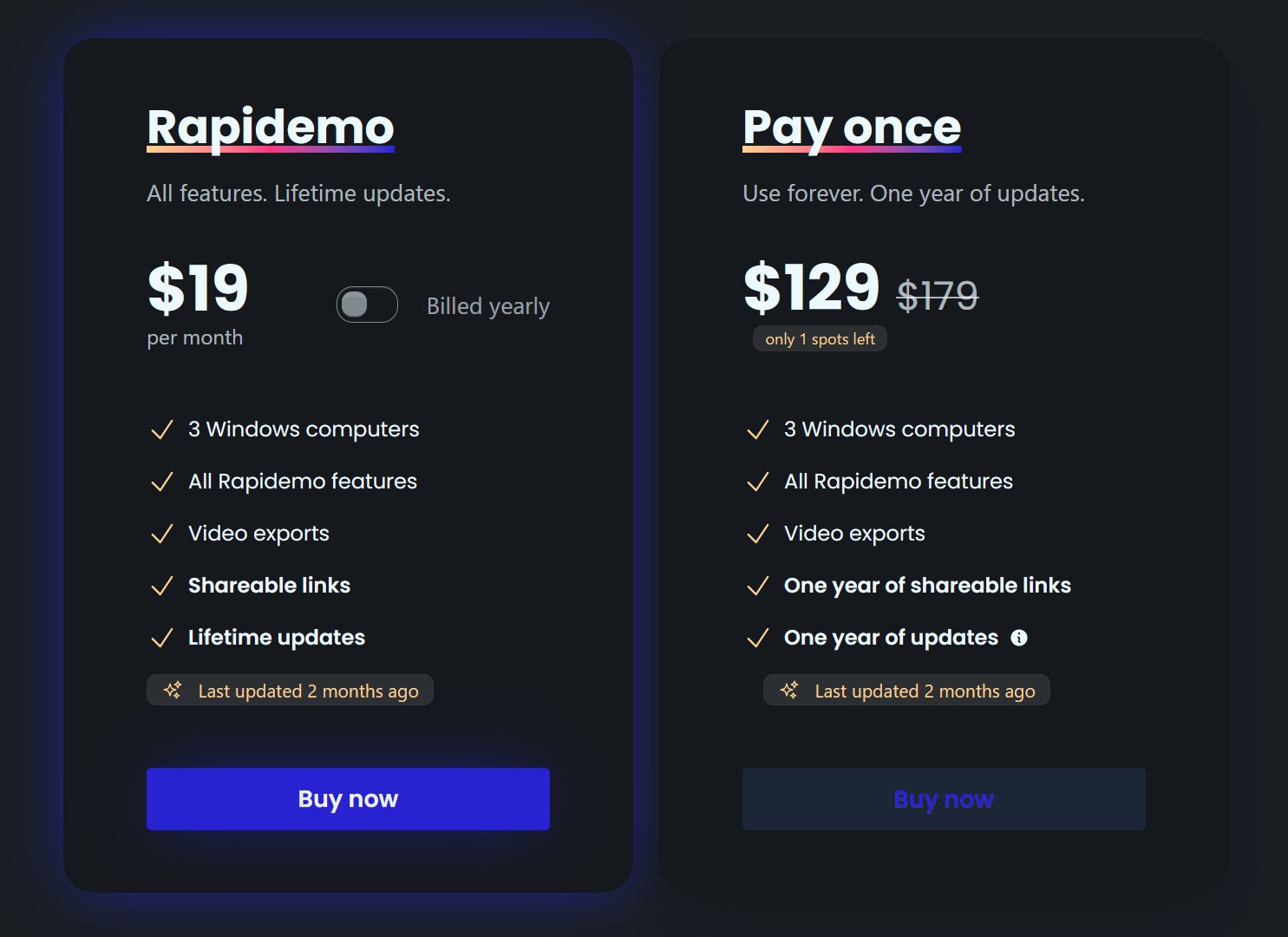
Rapidemo starts at $9/month billed annually, with a monthly plan and a one-time lifetime license also available. See the pricing page for full details.

Can I get a refund?

Yes. Lifetime license purchases are refundable within 7 days. Subscriptions and lifetime renewals are non-refundable.

What Rapidemo users are saying

840+ creators record beautiful screen recordings with Rapidemo.