How to record a Google Slides presentation

Google Slides can record itself, but only on some Google Workspace accounts, only in Chrome or Edge on a desktop, and only for 30 minutes at a time. If you have the Rec button, use it. If you do not, or your presentation includes a demo outside the deck, record the screen. Both are below.

Free to record and edit. License unlocks export.

Rapidemo is built for Windows

Get a download link sent to your email for when you're back at your computer.

Check your inbox for your download link.

Just one email, no spam. Download for Windows.

Step by step

  1. 1

    Check for the Rec button

    Open the presentation in Chrome or Edge and look for Rec at the top right. It appears on Business Standard, Business Plus, Enterprise and Education Plus accounts, and you need edit access to the slides. Personal Gmail accounts and the mobile app do not have it.

  2. 2

    Record with Slides recording

    Click Rec > Record new video, choose your camera and microphone (camera blur is optional), and press the red button. Present as usual. Under Pause, Re-record starts over and Save to Drive finishes. Each recording stops at 30 minutes. The file lands in a My Drive folder called Slides recordings and is listed under Rec in the presentation.

  3. 3

    Record the screen instead

    Open Rapidemo, choose Screen or the browser window, add your camera and microphone, and put your talking points in Notes so they stay off the video. Press Record, then start the slide show (Ctrl + F5 for presenter view in another window). Rapidemo zooms in on your clicks, smooths the cursor and keeps the camera in an overlay that shrinks during zooms.

  4. 4

    Add subtitles and trim

    After recording, click Transcribe to generate subtitles on your computer, cut the start and the end, and speed up any slow stretch. Zooms and the camera overlay can be adjusted per Clip.

  5. 5

    Export for where it will play

    Export MP4 up to 4K for YouTube or a course platform, or switch to portrait for Shorts and Reels without re-recording. For a short loop in a doc or an email, export a GIF. See exporting.

When the built-in recorder is enough

Slides recording is quick and keeps everything in Drive. It records your voice and camera over the deck as you present, and it is fine for a lesson or a team update that stays inside Google Workspace. Keep two limits in mind: 30 minutes per recording, and nothing outside the slides is captured. Whether your speaker notes stay hidden is not documented, so check the result before you share it.

When to record the screen

Record the screen when any of these is true. You do not have the Rec button. The presentation switches to a live demo, a spreadsheet or a website. You want the camera somewhere other than Google’s fixed frame. Or the video is going somewhere public and should look edited.

A screen recorder sees everything on your monitor, so set up the slide show first. In Google Slides, Ctrl + F5 opens presenter view in a separate window, which lets you keep notes on one screen and the show on another. Or skip presenter view and use Rapidemo’s Notes window, which stays on your screen and out of the recording.

Making it look good

Slides full of small text read badly in a video player. Zoom fixes that. In Rapidemo the zoom follows your clicks, so clicking a chart zooms into the chart; you can also add a manual zoom on a slide you did not click. Pad the recording with a background so the slide does not fill the frame edge to edge, and generate subtitles for viewers with the sound off.

How to record a Google Slides presentation: FAQ

Common questions, answered briefly.

Can I record a Google Slides presentation with my webcam?

Yes. Slides recording captures your camera and microphone on eligible Workspace accounts. On any account, a screen recorder such as Rapidemo records the slides, your camera and your voice together on Windows.

Why don't I see the Rec button in Google Slides?

Slides recording is only on certain work or school Workspace editions, only in Chrome or Edge on desktop, and only for editors of the presentation. There is no admin switch to enable it on other editions. Use a screen recorder instead.

How long can a Google Slides recording be?

30 minutes per recording. Split a longer presentation, or record the screen with a tool that has no cap.

Where do Google Slides recordings go?

To a folder called Slides recordings in your My Drive. Open Rec in the presentation to see the list. Share them like any Drive file.

Can I try Rapidemo for free?

Yes. Download Rapidemo and use every feature for free. You only need a license to export your finished video or GIF.

How much does Rapidemo cost?

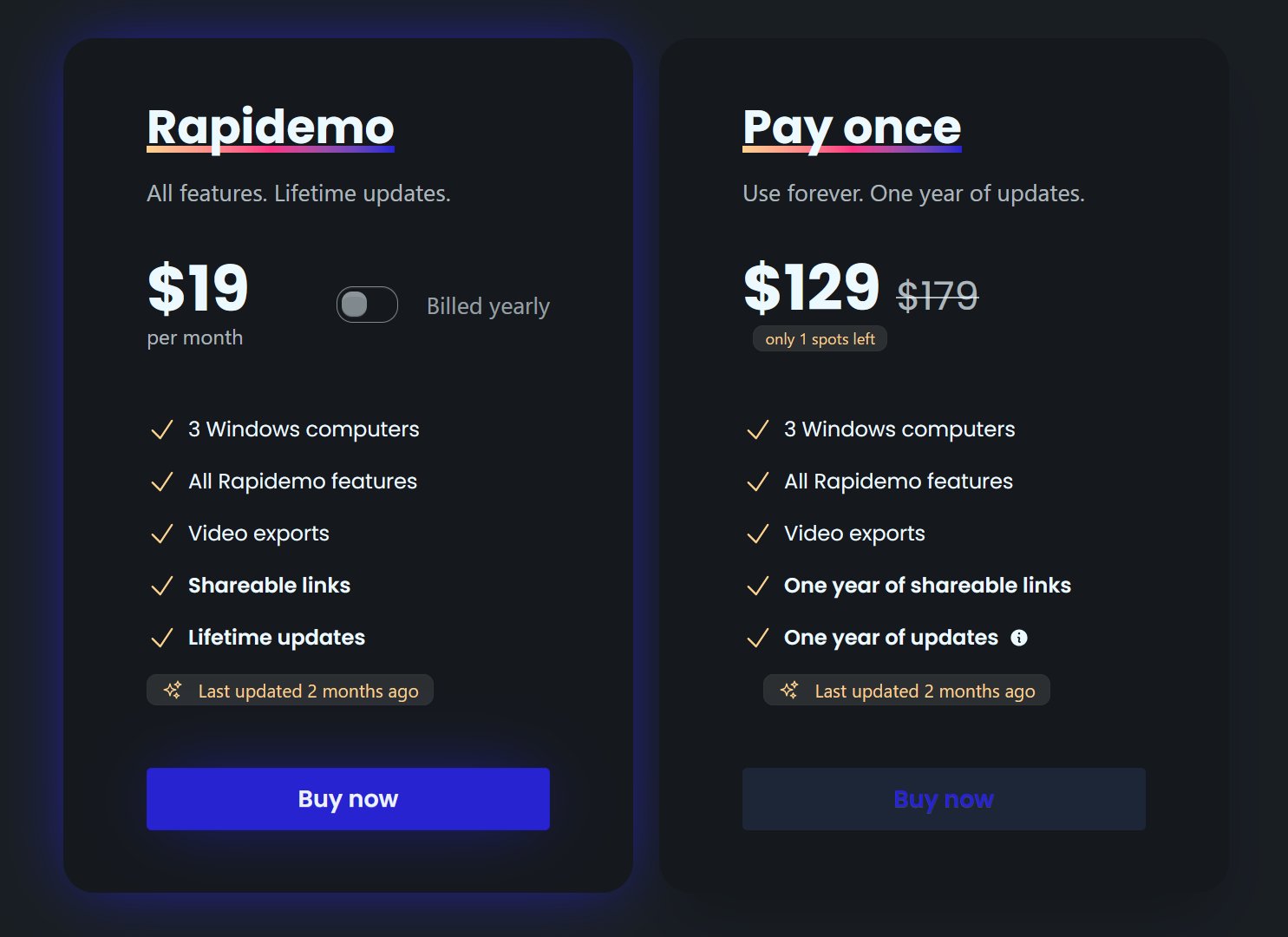
Rapidemo starts at $9/month billed annually, with a monthly plan and a one-time lifetime license also available. See the pricing page for full details.

Can I get a refund?

Yes. Lifetime license purchases are refundable within 7 days. Subscriptions and lifetime renewals are non-refundable.

What Rapidemo users are saying

950+ creators record their screen with Rapidemo. Here is what they say about it.

Headshot of Harry Symons
Harry Symons
I've been really enjoying using Rapidemo – it's incredibly easy to use and makes creating videos quick and straightforward. The interface is intuitive, and I was able to get started right away without any learning curve. Highly recommend for anyone looking for simple, effective video software.
Headshot of ととしま
ととしま @toyoshima_dev
Rapidemoめっちゃよかったから課金はしようと思うんだけど、買い切りにするか悩むねえ
使うときだけ毎月課金がお得なのは理解してるんだけど、俺は買い切りって言葉に弱えんだ
Headshot of Jonnier
Jonnier @jonniermart
Esta es la mejor herramienta para grabar pantalla en Windows. ❤️
Headshot of original だいすけ
これ、まさにズームマジックですね。なんの気ないトランジションでも効果的に見える。

Screen Recorder for Windows · Rapidemo https://getrapidemo.com/
Headshot of aron
aron @designbyaron
rapidemo is the sauce for windows
Headshot of Harry Symons
Harry Symons
Headshot of Pablo
Pablo @Pabloguiraox
Thanks so much for your incredible tool! It's the BEST screen recording software out there, Amazing job, you're a true legend!
Headshot of Brad
Brad @brad_agi
Rapidemo is sick! It saved me 2k — almost bought a Mac just for Screen Studio.
Records product demos