 Rapidemo
What is specific to Dell laptops
Fn lock on the F-row. XPS and Latitude keyboards treat F1 to F12 as media keys unless you press Fn, and Fn + Esc flips that for the session. The XPS 15 manual lists Print Screen among the F-row functions, which is why PrtScn feels broken on a new XPS. The BIOS setting Function Key Behavior makes the choice permanent.
Alienware Command Center. On Alienware and some G Series machines, the command center handles lighting, per-game performance profiles and macro keys. Its only recorder is the macro recorder. It binds nothing to Win + Alt + R or Win + Shift + R.
Dell’s own guidance. Dell maintains a knowledge base article on recording with Game Bar, last updated in April 2026. It is written for capturing troubleshooting steps for support, and it is honest about the limits: not every app is compatible, tablets need a keyboard, and the mouse pointer may not show in playback. For a recording that must include the cursor and the desktop, use the Snipping Tool or a dedicated recorder.
When the shortcut does nothing
The same checklist applies to every brand. Press Win + G once inside the app so Windows registers it, confirm Settings > Gaming > Game Bar is on, update the graphics driver, and if recording stops after a clip or two, end “Broadcast bar server (bcastdvr.exe)” in Task Manager. Some games disable recording outright.
From a raw clip to a video you can publish
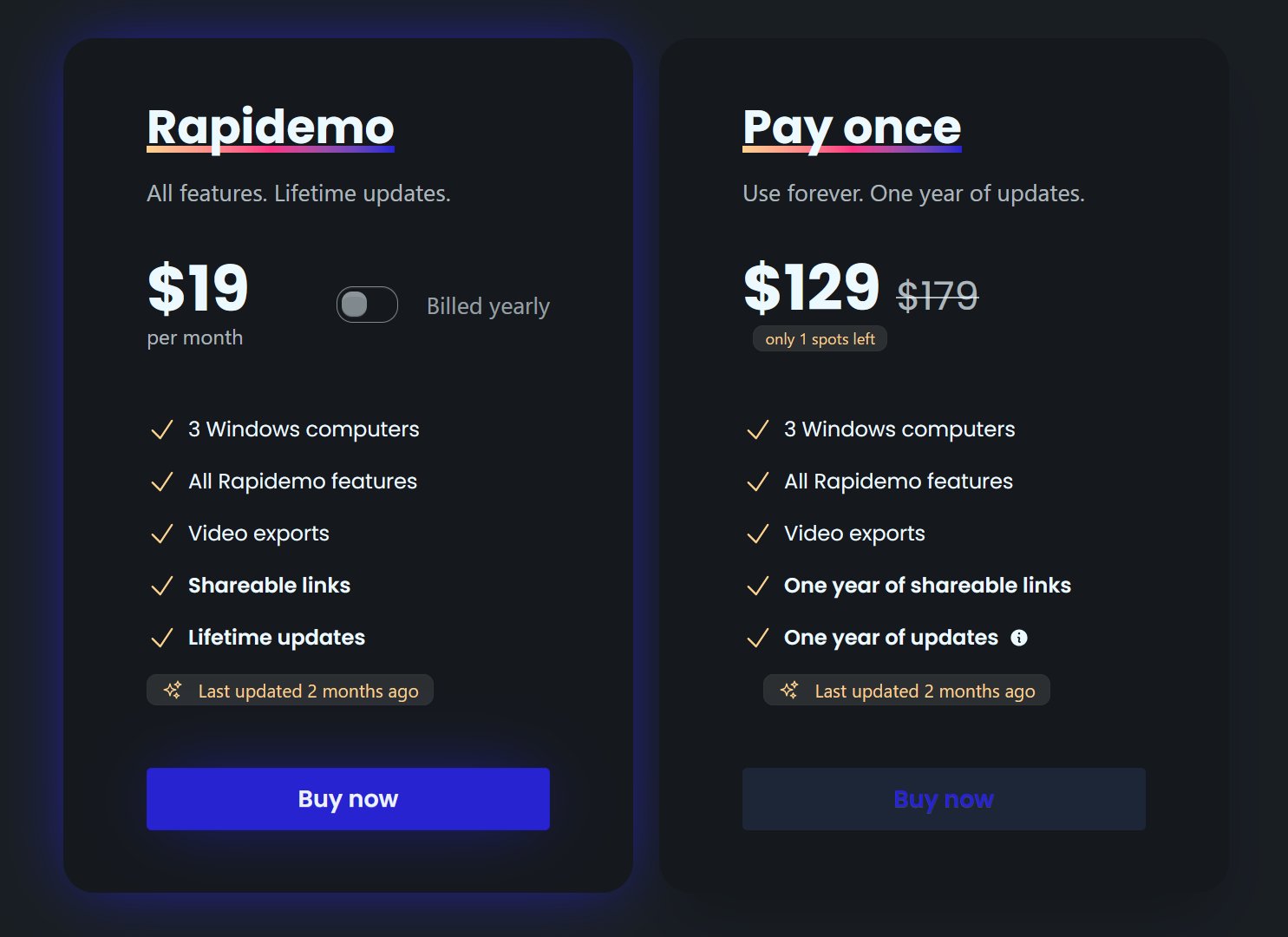
Game Bar and the Snipping Tool give you a raw capture with no camera and no zoom. For a tutorial or a product demo, Rapidemo records the same screen on your Dell and adds the zoom, cursor smoothing, subtitles and camera overlay while you record. The full Windows guide compares every method; system audio and camera and microphone cover the setup.