 Rapidemo
September 2026 Update

Here's what's new and what's next for Rapidemo. Welcome to the September update!
In September I shipped various user-suggested features (thank you!), including multi-monitor support and a lot more control over the cursor. Rapidemo now records any display, the cursor has new icon sets and colors, and the area picker can be locked to an aspect ratio.
What’s new ✨
🖥️ Record any display
Rapidemo now works on multi-monitor setups. You can record a screen, a window or an area on any display, not just the primary one.
With more than one display, Screen opens a picker first. Hover a display to highlight it, then click the one you want. The new project is named after the monitor you recorded.
The screen recording guide has the details.
↖️ Cursor icon sets
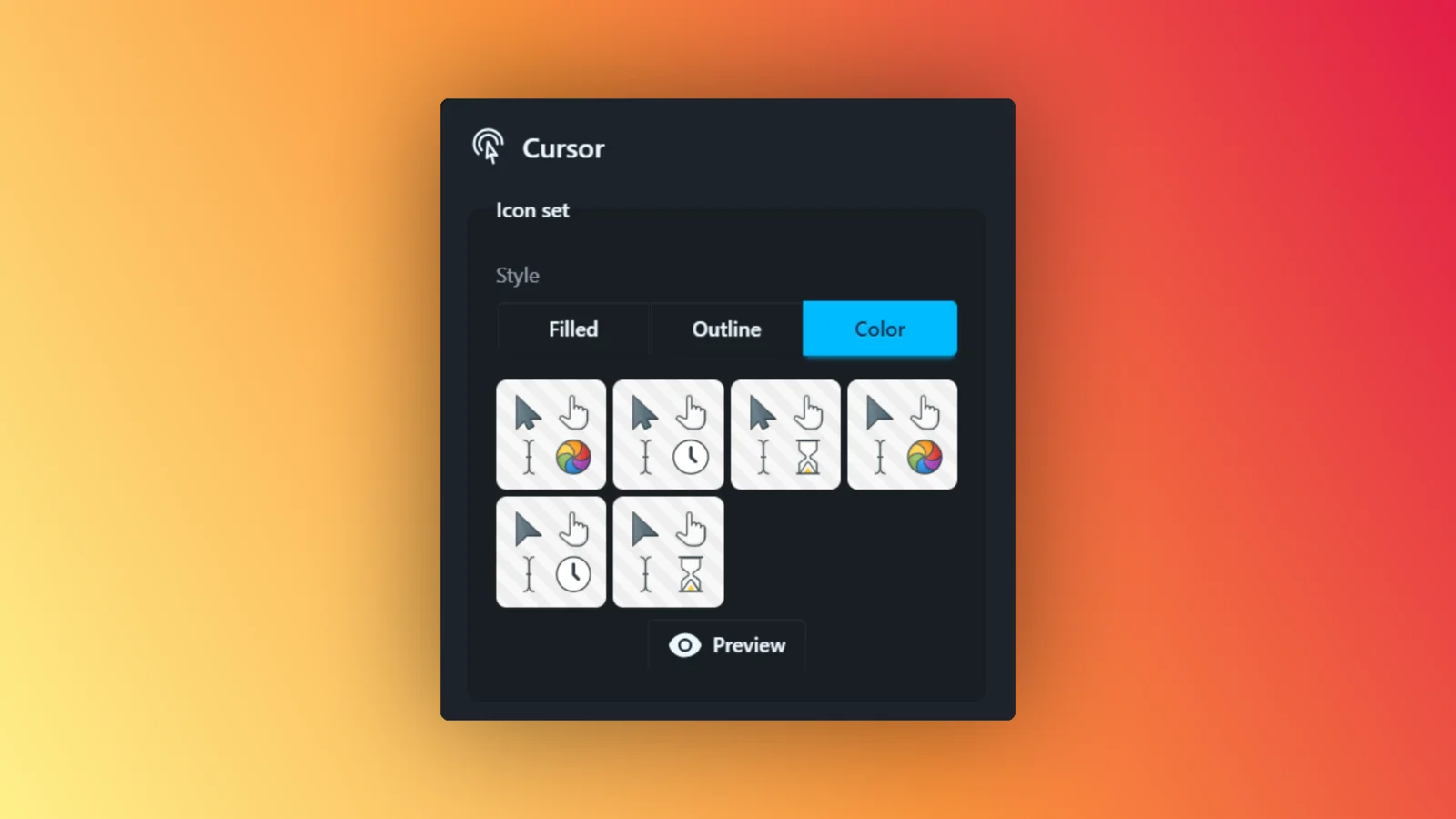
Rapidemo draws your cursor as sharp vector icons, and now you can customize their design. Pick from a selection of Icon sets, including Filled, Outline and Color styles.
You can preview all icons of a set (e.g. the text and click cursors) in the editor.
🌈 Cursor colors and stroke width
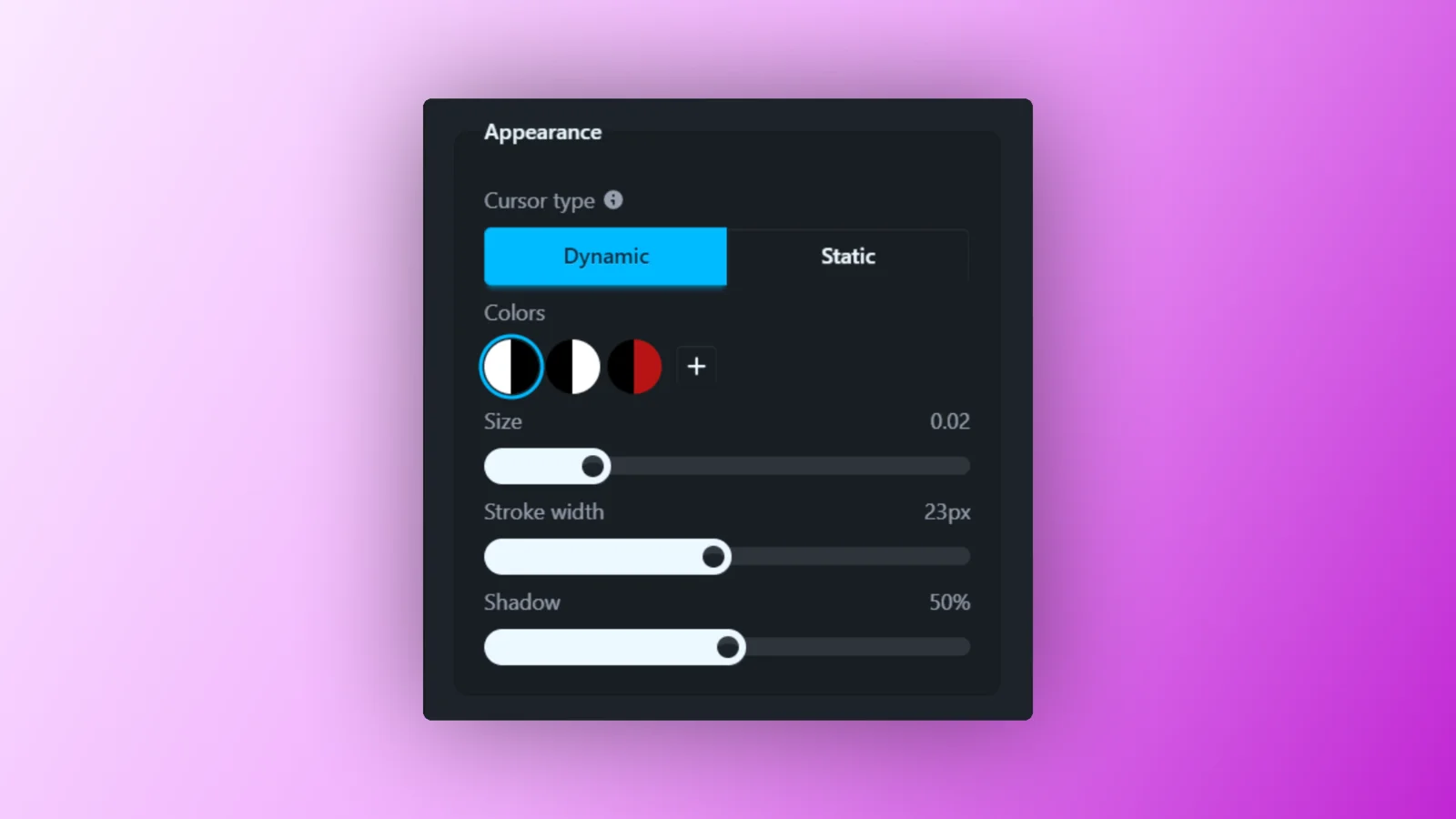
The cursor can now be any color. Click + in the colors grid, pick a color for the body and one for the outline, and every icon in the set updates as you choose.
Stroke width makes the outline thinner or thicker with a slider.
😶🌫️ Hide the cursor
There are two new ways to get the cursor out of the way.
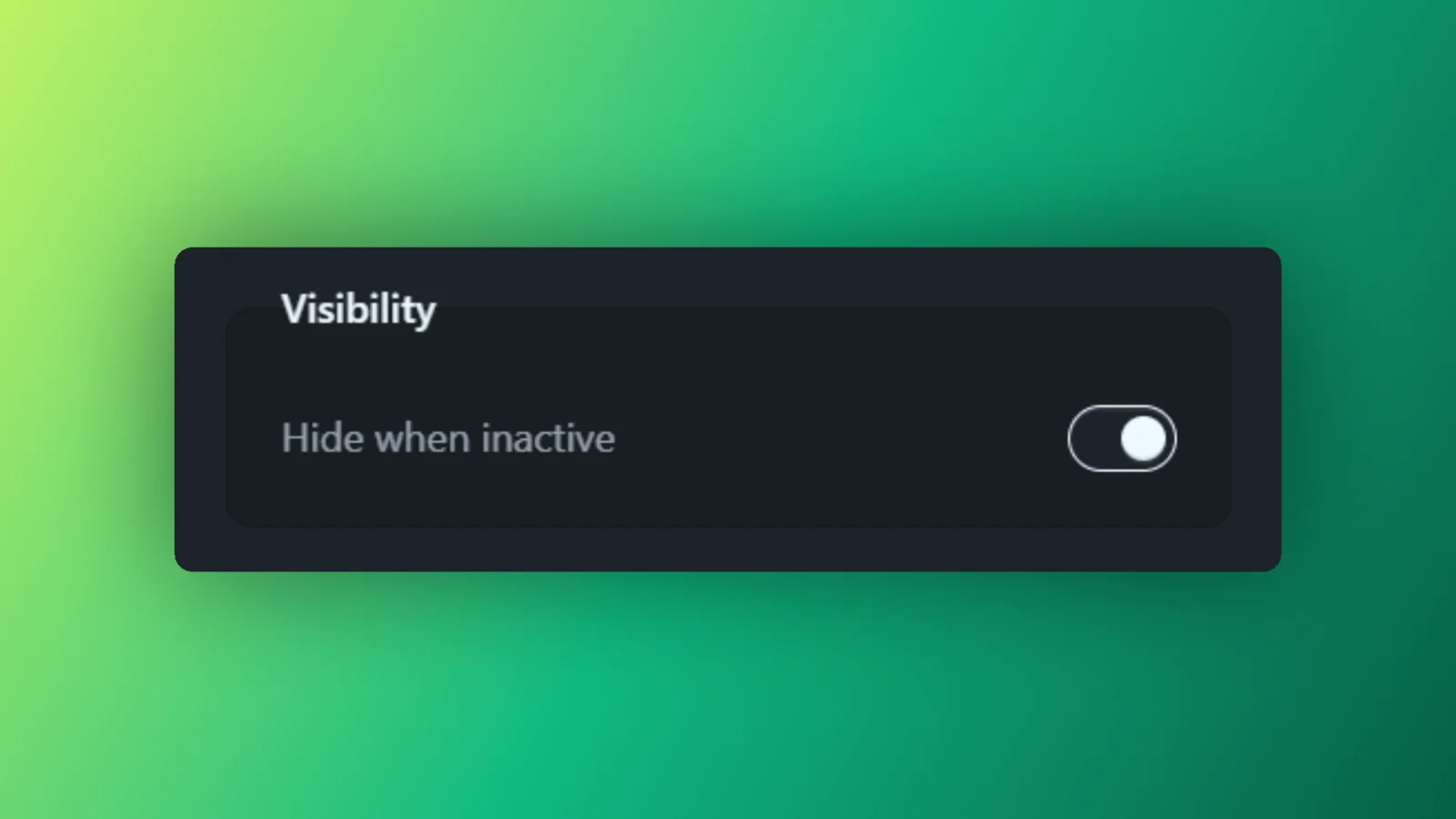
Hide when inactive fades the cursor out while it sits still, and brings it back as soon as it moves. Clicks count as movement, so the cursor is always there for a click.
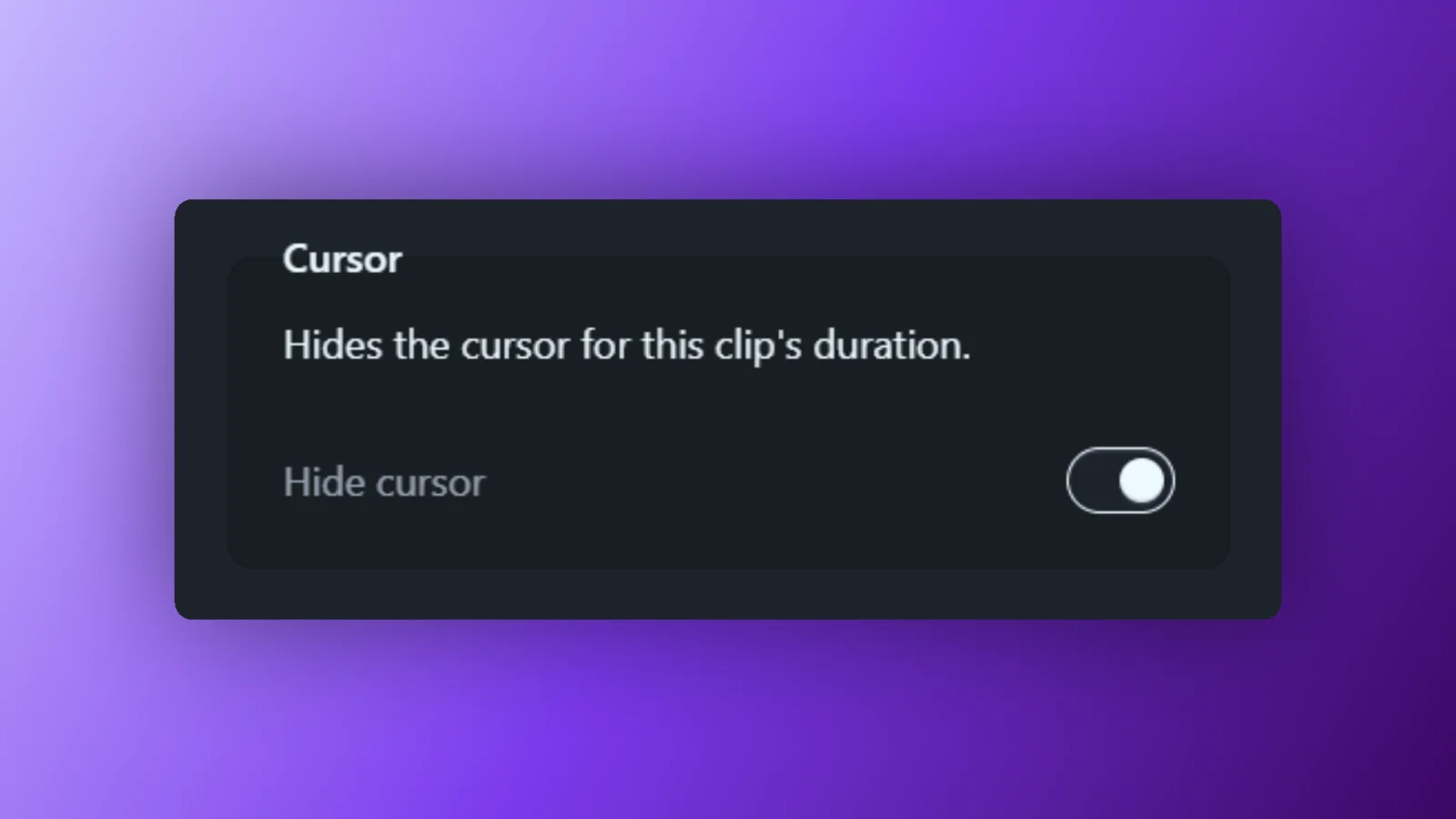
Hide cursor in a Clip’s properties removes the cursor for that one Clip.
More on everything cursor in the cursor guide.
📐 Aspect ratios for the area picker
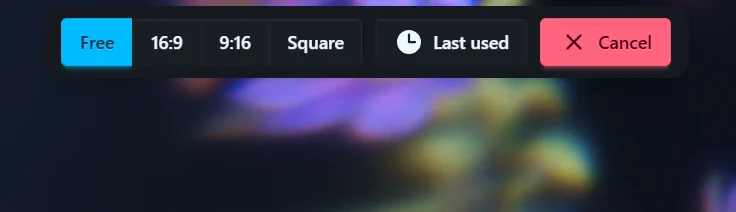
Recording for a specific format? The area picker’s top bar now has Free, 16:9, 9:16 and Square. Pick one and the rectangle keeps that aspect ratio while you draw, resize or move it.
Last used brings back the rectangle from your previous recording in one click.
The area recording guide has more.
📂 Double-click to open projects
Project files now show the Rapidemo icon in Explorer. Double-click one and it opens in Rapidemo.
🔔 Buttons on the export notification
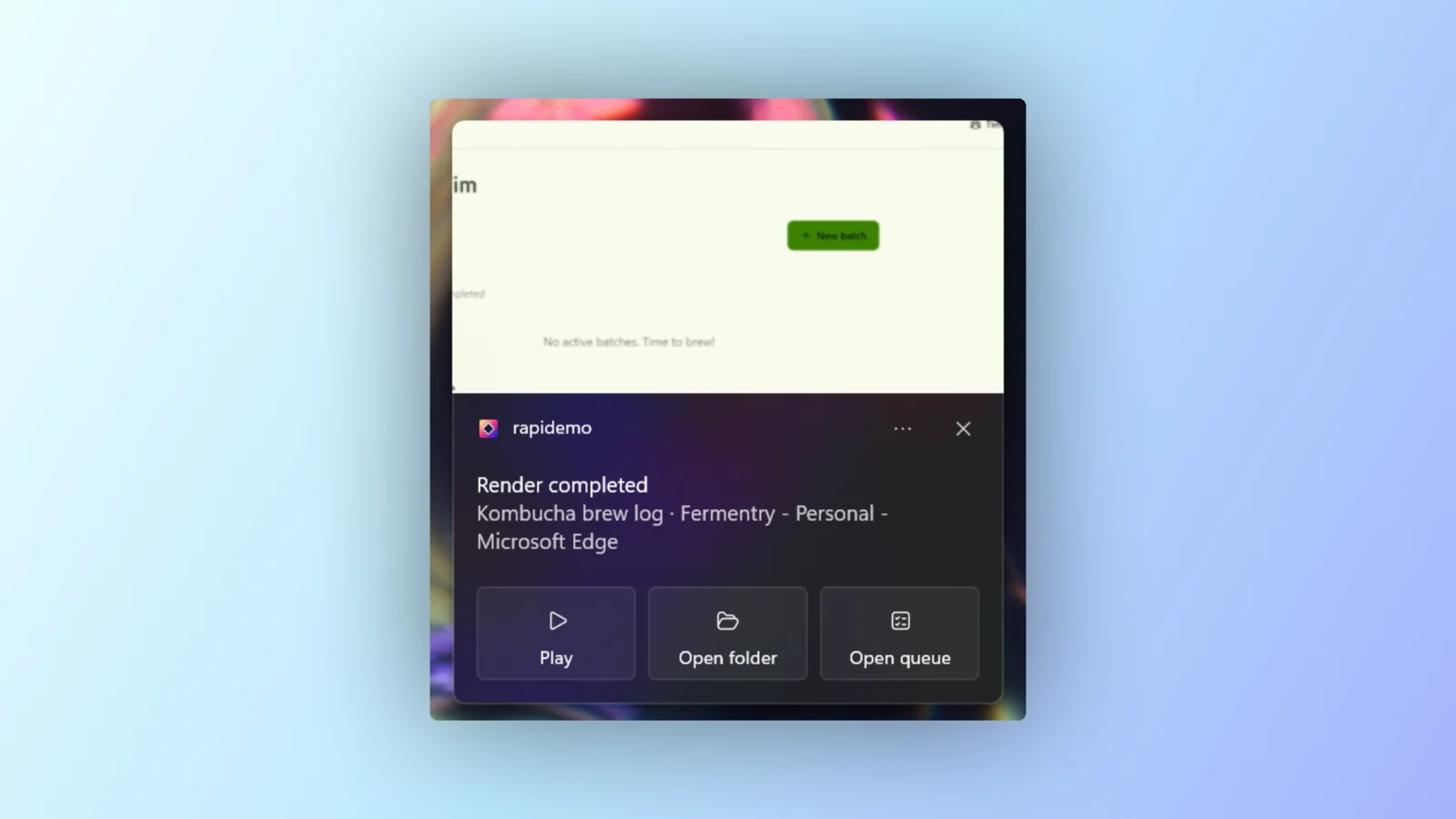
When an export finishes while you’re in another app, the Windows notification now has three buttons. Play opens the video, Open folder shows it in File Explorer, and Open queue opens the export queue.
🐛 Bug fixes and improvements
Rapidemo now opens on a visible screen, even when the monitor you last used it on is unplugged.
Clicks on a second monitor no longer add click animations to your recording.
The settings sidebar can now be reached with the keyboard.
As always, feel free to check out the full details in the Rapidemo changelog.
What’s next 🔮
The next release will be full of bug fixes and stability improvements, but I’m eyeing some new features for the one after.
On the website, you’ll soon be able to sign in with a passkey or a link sent to your email, besides a password.
Thanks to everyone adding ideas and votes to the feature board. It’s where I look first when I decide what to build, so keep them coming.
As always, I’ll post what I’m up to on X!
That’s it for the September update! Let me know what you think. I’ll keep writing these monthly posts to keep you in the loop (and keep myself accountable 😁).
Send me an email or a DM on X if you have feedback.
Talk soon, back to coding! 👨💻