 Rapidemo
August 2026 Update

Here's what's new and what's next for Rapidemo. Welcome to the August update!
In August I worked on the camera integration and the timeline. You can now use a gradient or photo as the camera backdrop, or make the background transparent. I also added green screen support and a handful of quality-of-life improvements for the editor. There’s also a free web tool, and some housekeeping.
🛠️ Planned maintenance on September 5
I’m moving the server to new infrastructure on Saturday, September 5, from 09:00 to 13:00 UTC.
During that window:
- The website is unreachable, including your account section.
- License checks and activations might fail, so exporting videos in the app won’t work.
- Shared video links won’t resolve.
Recording and editing carry on as normal. It’s exporting and anything that needs the website that is affected.
For the maintenance, four hours is my estimate, not a plan. I should be done well before 13:00 UTC if everything goes smoothly.
If you have something to export or share on that Saturday, do it before 09:00 UTC or after I’m done.
🔄 Check your version before September 5
The same window retires the old route Rapidemo used to fetch its updates, from before August.
To check the version, open the Settings and look at the sidebar. 1.31.0 or newer means you’re fine, and you can skip the rest of this.
If it’s older, the auto-updater will take care of this before September 5. You’ll see an in-app update notification and after restarting you’re on the latest version.
If you only get to this after September 5, no harm done. Download the current version from getrapidemo.com/download and run the installer over your existing installation. Your projects, presets and settings all survive. It’s an upgrade, not a fresh start.
What’s new ✨
🙋 Camera background effects
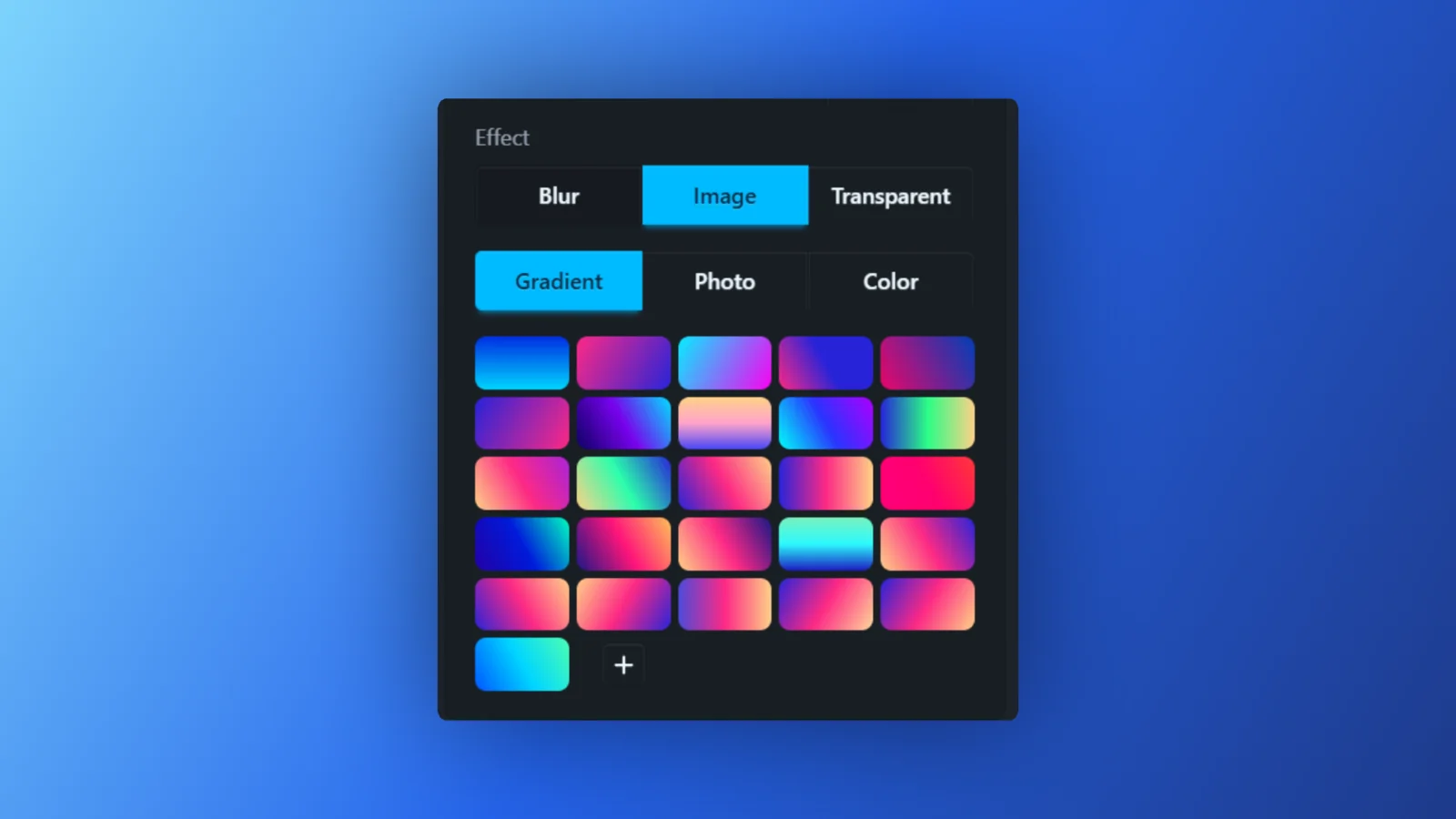
Background blur is no longer the only option. Switch Enable on in the Camera Recording properties and pick what sits behind you: Blur as before, Image for a gradient, a photo or a solid color, or Transparent, which removes the background entirely so your screen recording shows through behind you.
The camera recording guide has the details.
🟩 Green screen support
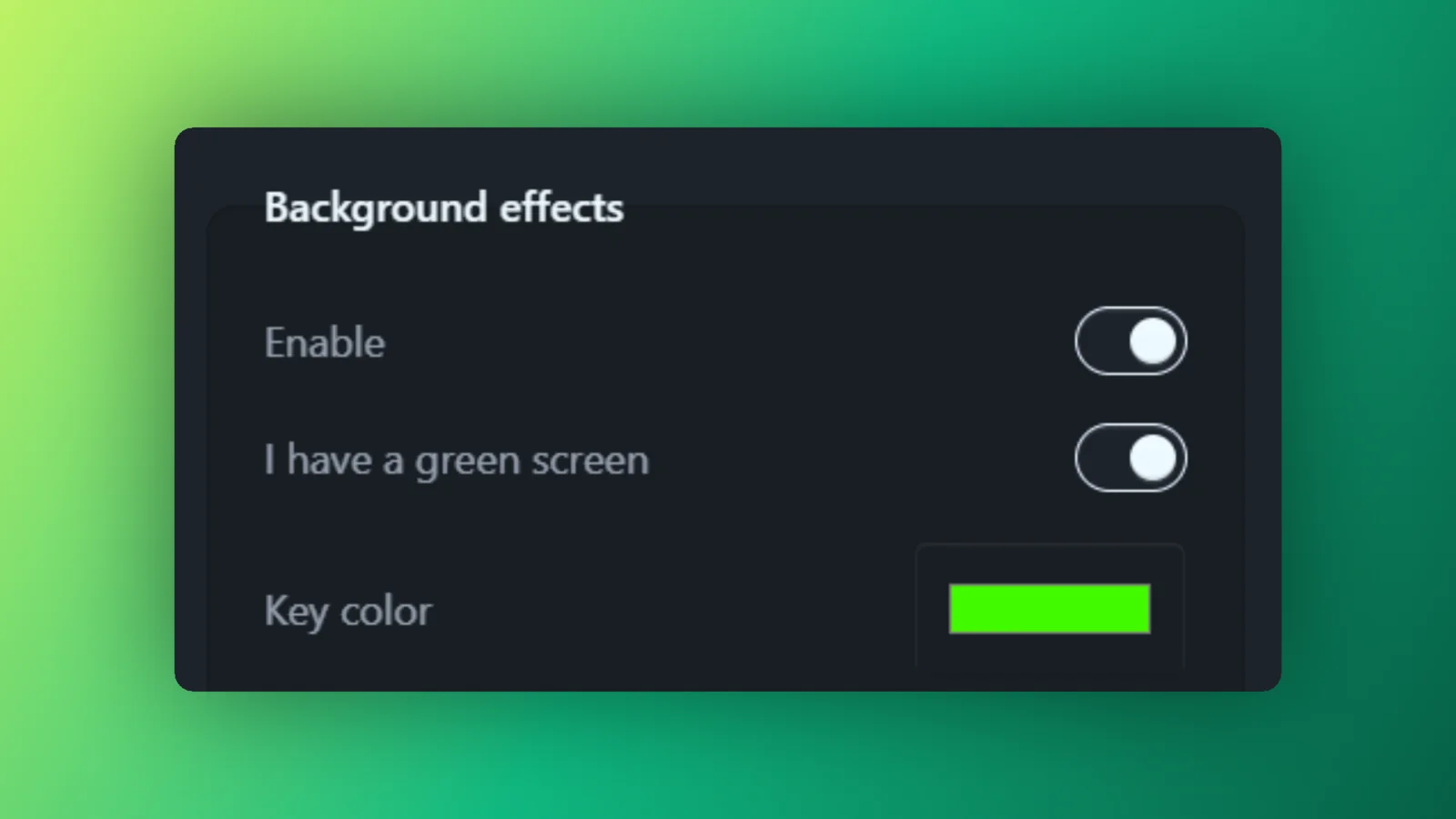
Recording against a green or blue screen? Tick I have a green screen and Rapidemo chroma keys your footage for much cleaner edges.
Rapidemo picks the key color out of your video by itself. If it can’t find a screen to key out, you can pick the color manually.
🔍 Default zoom
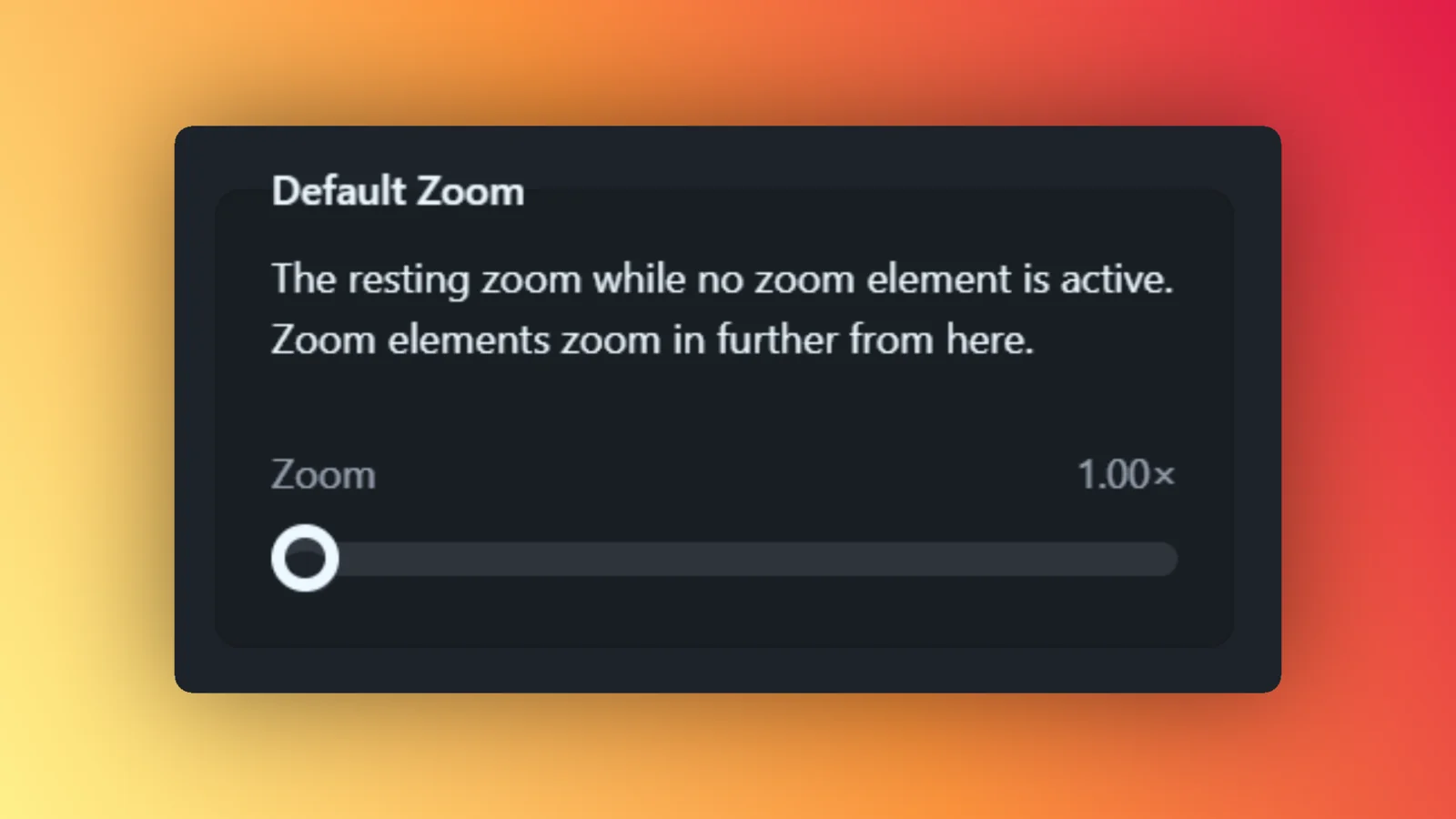
Default Zoom sets how large your screen recording appears before any zoom animation runs. Zooms then apply on top of it.
Above 1x you also pick the point the video zooms toward.
It’s covered in the screen recording guide.
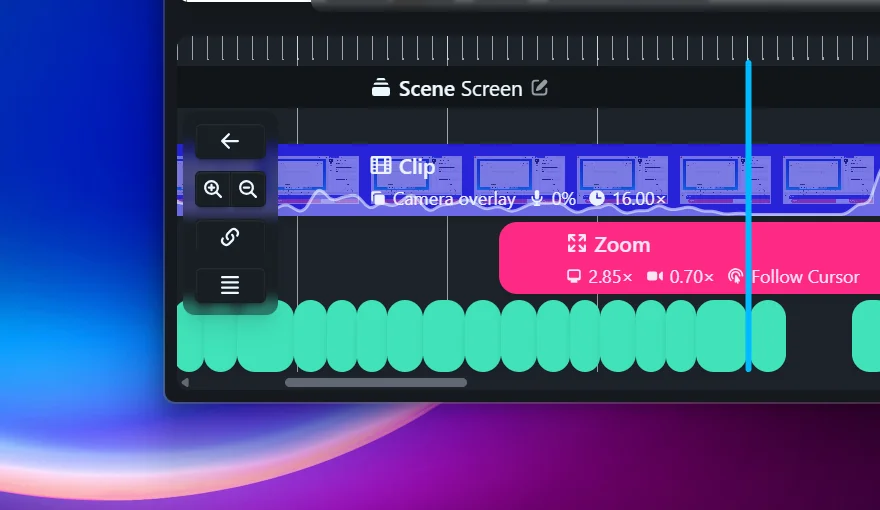
🎞️ Film strip and waveform on every clip
Clips on the timeline now show a strip of frames from your recording, and a waveform from your microphone audio.
In my own testing this has made finding specific moments much easier and quicker.
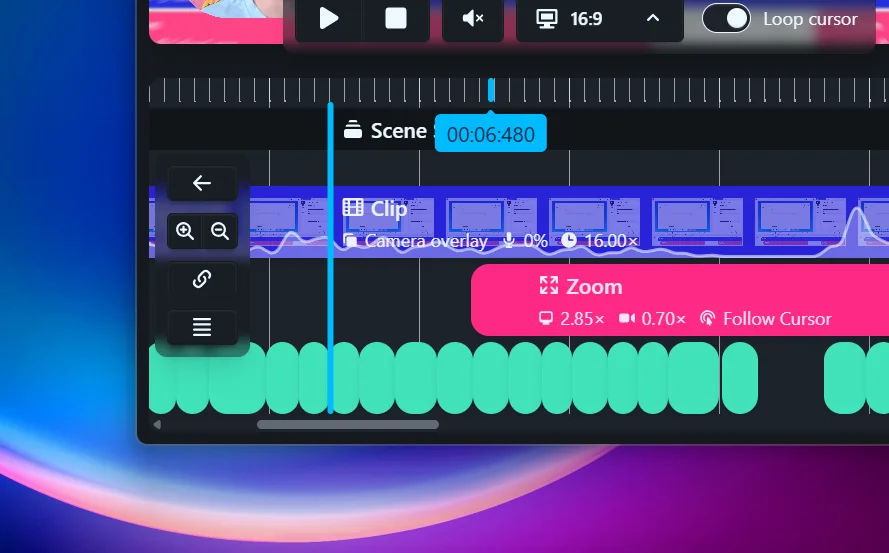
👀 Hover to preview
Hover the timeline ruler and the preview jumps to whatever is under your pointer, with a tooltip showing the timestamp. The playhead stays put. Move away without clicking and the preview snaps back to where you were.
Click to commit and the playhead follows. Skimming a recording no longer means losing your place in it.
More on both in the timeline editor guide.
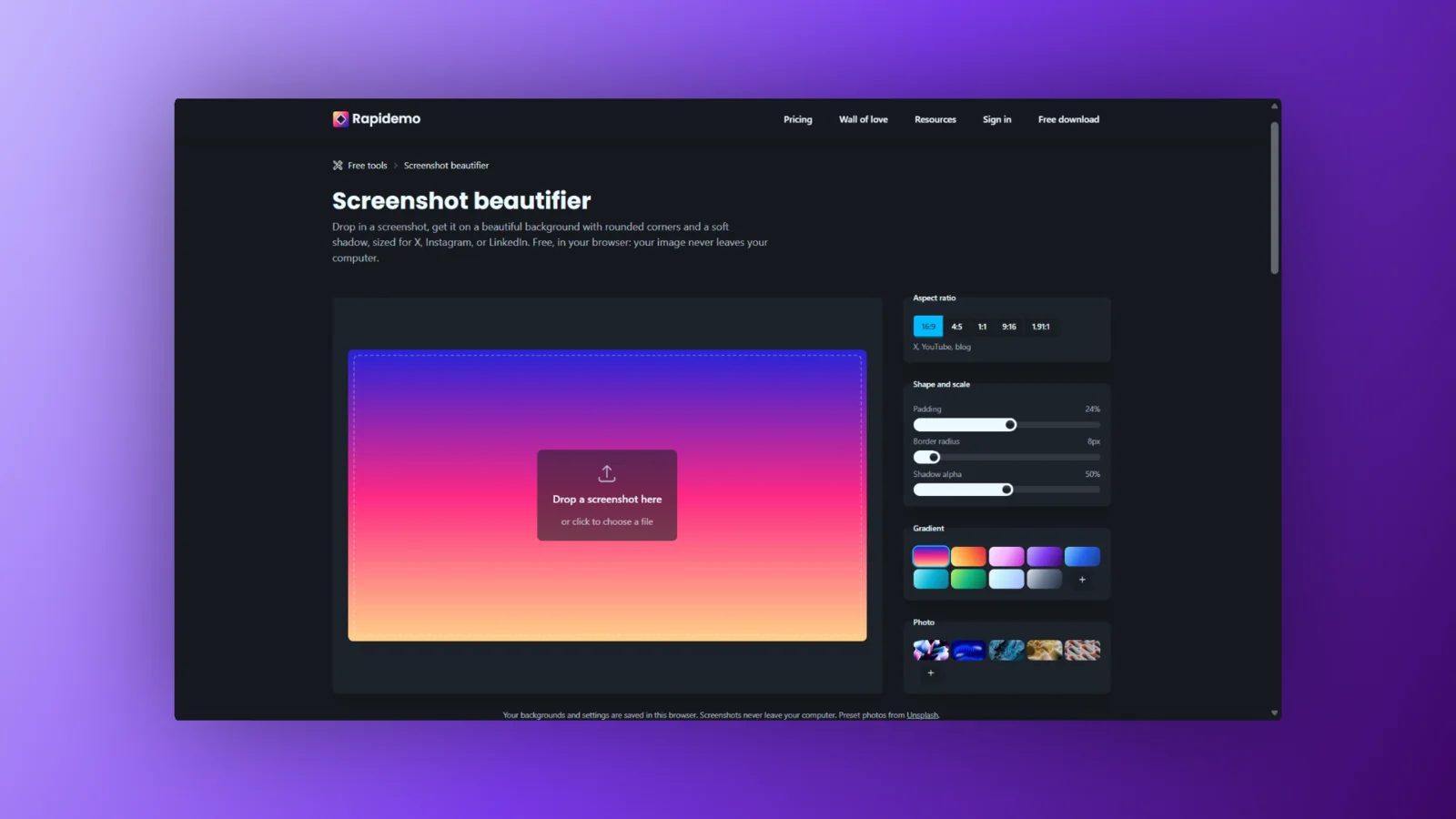
🖼️ A free screenshot beautifier
I built a fun little web tool: the screenshot beautifier. Drop in a screenshot, put it on a gradient, round the corners, add a shadow, download it.
It’s free, requires no account, and your screenshot never leaves your computer.
🐛 Bug fixes and improvements
Rapidemo now handles projects more safely during crashes and power cuts. Rapidemo restores what was interrupted so you can continue.
A lot of work has gone into making hardware-accelerated recording (meaning it uses your GPU) more reliable, with built-in fallbacks and guard rails.
Spatial layouts render sharper, faster and on less memory, and Side-by-side Clips keep the layout you chose when the export aspect ratio differs from the editor’s.
If you work behind company security software or a proxy, license activation and update checks now get through.
As always, feel free to check out the full details in the Rapidemo changelog.
What’s next 🔮
Cursor customization is next. New cursor icon sets, colors and customization options. I’m also adding functionality that hides the cursor while it sits still, or lets you hide it for the whole duration of a Clip.
I’m also finally building support for capturing secondary monitors. And the area picker is getting some aspect ratio utilities, making framing a recording for a particular format much easier.
Thanks to everyone adding ideas and votes to the feature board. It’s where I look first when I decide what to build, so keep them coming.
As always, I’ll post what I’m up to on X!
That’s it for the August update! Let me know what you think. I’ll keep writing these monthly posts to keep you in the loop (and keep myself accountable 😁).
Send me an email or a DM on X if you have feedback.
Talk soon, back to coding! 👨💻