How to record a SaaS demo video for your landing page

A screenshot is not enough. A short demo video that shows your product in action is one of the most convincing things you can put on a SaaS landing page. Here is how to record one that converts, on Windows, without editing skills.

Free to record and edit. License unlocks export.

Rapidemo is built for Windows

Get a download link sent to your email for when you're back at your PC.

Check your inbox for your download link.

Just one email, no spam. Download for Windows.

Record your landing-page demo, step by step

Visitors want to see your product before they sign up, and a clear demo video does that better than any screenshot. The trick is to keep it short, make the interface easy to follow, and skip the editing marathon. Rapidemo records your screen and automatically adds the zoom and cursor polish that keeps viewers watching. Here is the process.

  1. 1

    Script one clear story: problem to outcome

    A landing-page demo has one job: show a visitor what your product does and why it matters, fast. Write a short script that goes from the problem to the outcome, and cut everything that is not essential. Aim for 30 to 90 seconds.
  2. 2

    Record the core flow

    In Rapidemo, record just the key path through your product, the part that delivers the "aha." Add a short voiceover with your mic if it helps, but the visuals should carry it, since many visitors watch muted.
  3. 3

    Let Rapidemo zoom on clicks so viewers follow the UI

    Rapidemo automatically zooms in on the elements you click and smooths the cursor, so a first-time viewer can follow exactly what is happening in your interface without you narrating every step.
  4. 4

    Trim the dead time

    Keep it tight. Cut loading spinners, mistakes, and pauses in the timeline so every second earns its place. Short, snappy demos convert better than long tours.
  5. 5

    Add captions

    Generate subtitles in one click. Landing-page videos usually autoplay muted, so on-screen captions are what actually get read.
  6. 6

    Export and embed above the fold

    Export in 16:9, then embed the video high on your landing page where visitors see it first. Use a shareable link if you also want to send it in DMs or emails.

SaaS landing-page demos: FAQ

Common questions about recording a SaaS demo video for a landing page.

What tool should I use to make a SaaS landing-page demo video?

Use a recorder that adds polish automatically so the demo looks professional without editing. On Windows, Rapidemo records your product flow and automatically zooms in on clicks, smooths the cursor, and adds captions, which is exactly what a landing-page demo needs.

How long should a landing-page demo video be?

Short. Aim for 30 to 90 seconds and show the core outcome first, since visitors decide within seconds whether to keep watching.

Should a SaaS demo video have a voiceover?

It can help, but the visuals should stand on their own, since most landing-page videos autoplay muted. Treat a voiceover as a bonus, not something the demo depends on.

How do I make the demo work when it autoplays muted?

Add on-screen captions and let the zoom guide the eye to what matters. Rapidemo generates subtitles in one click and zooms in on the elements you interact with, so a muted autoplay still reads clearly.

Can I try Rapidemo for free?

Yes. Download Rapidemo and use every feature for free. You only need a license to export your finished video.

How much does Rapidemo cost?

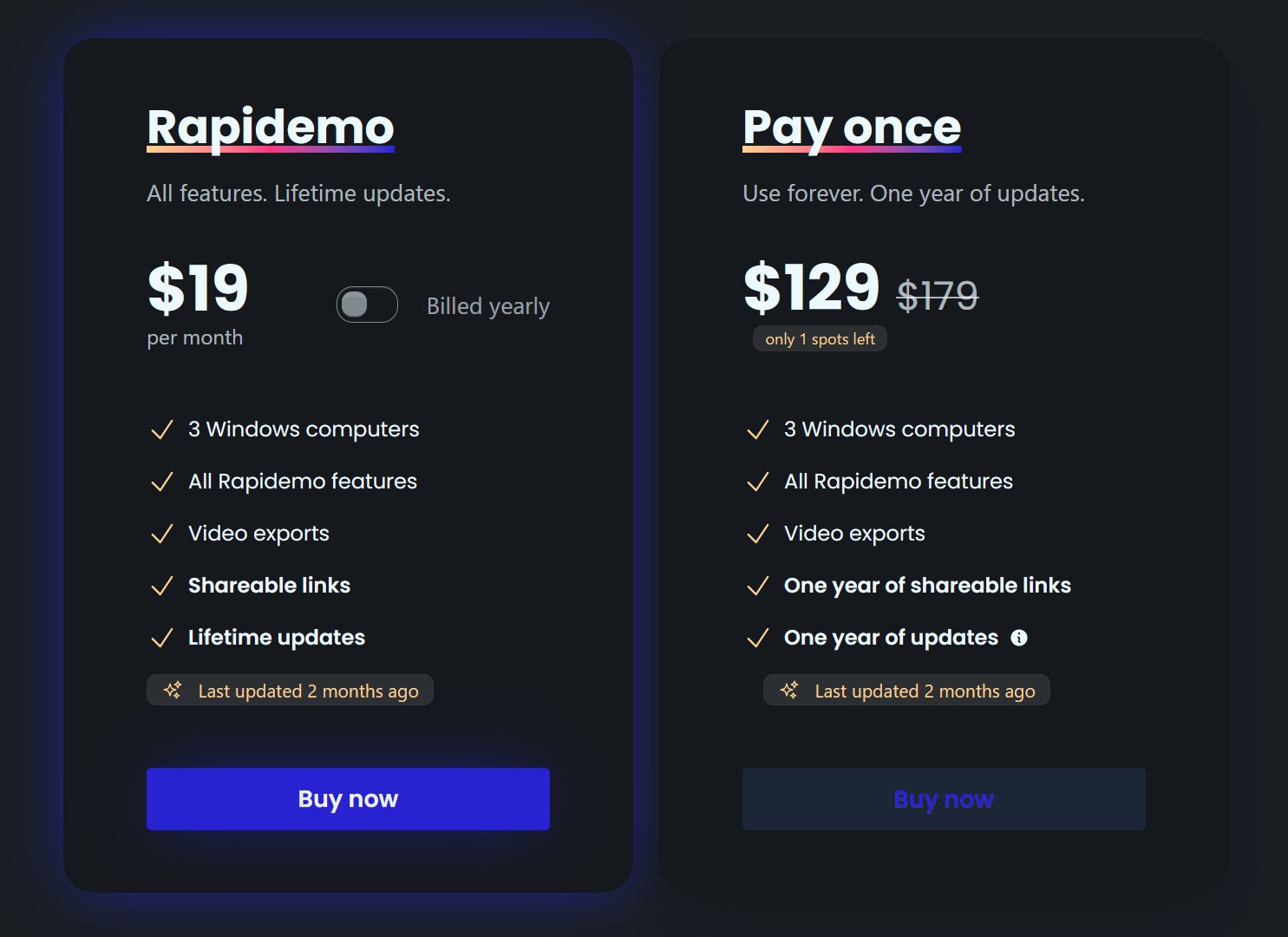
Rapidemo starts at $9/month billed annually, with a monthly plan and a one-time lifetime license also available. See the pricing page for full details.

Can I get a refund?

Yes. Lifetime license purchases are refundable within 7 days. Subscriptions and lifetime renewals are non-refundable.

What Rapidemo users are saying

840+ creators record beautiful screen recordings with Rapidemo.