Rapidemo
The three jobs, one by one
Capture. CleanShot X’s capture is its core. On Windows 11, Win + Shift + S opens the Snipping Tool with region, window, fullscreen and freeform modes, a delay timer, and an editor with a pen, highlighter, shapes, crop and OCR text actions. For scrolling capture, OCR and upload automation, install ShareX, which is free and open source.
The padded screenshot. CleanShot X’s “beautify” puts the capture on a background with rounded corners and a shadow. The screenshot beautifier does the same in your browser, with gradient and photo backgrounds, padding and corner controls, and presets for X, LinkedIn and Instagram. Nothing is uploaded.
Recording. CleanShot X records with smart zooms that follow the cursor, cursor smoothing, a padded background, and export in landscape, square and vertical. Rapidemo does each of those on Windows and adds what CleanShot X does not: subtitles generated on your computer, a camera overlay that shrinks during zooms, split-screen and 3D layouts, and speaker notes while recording. The feature table above lists the rest.
What moving costs
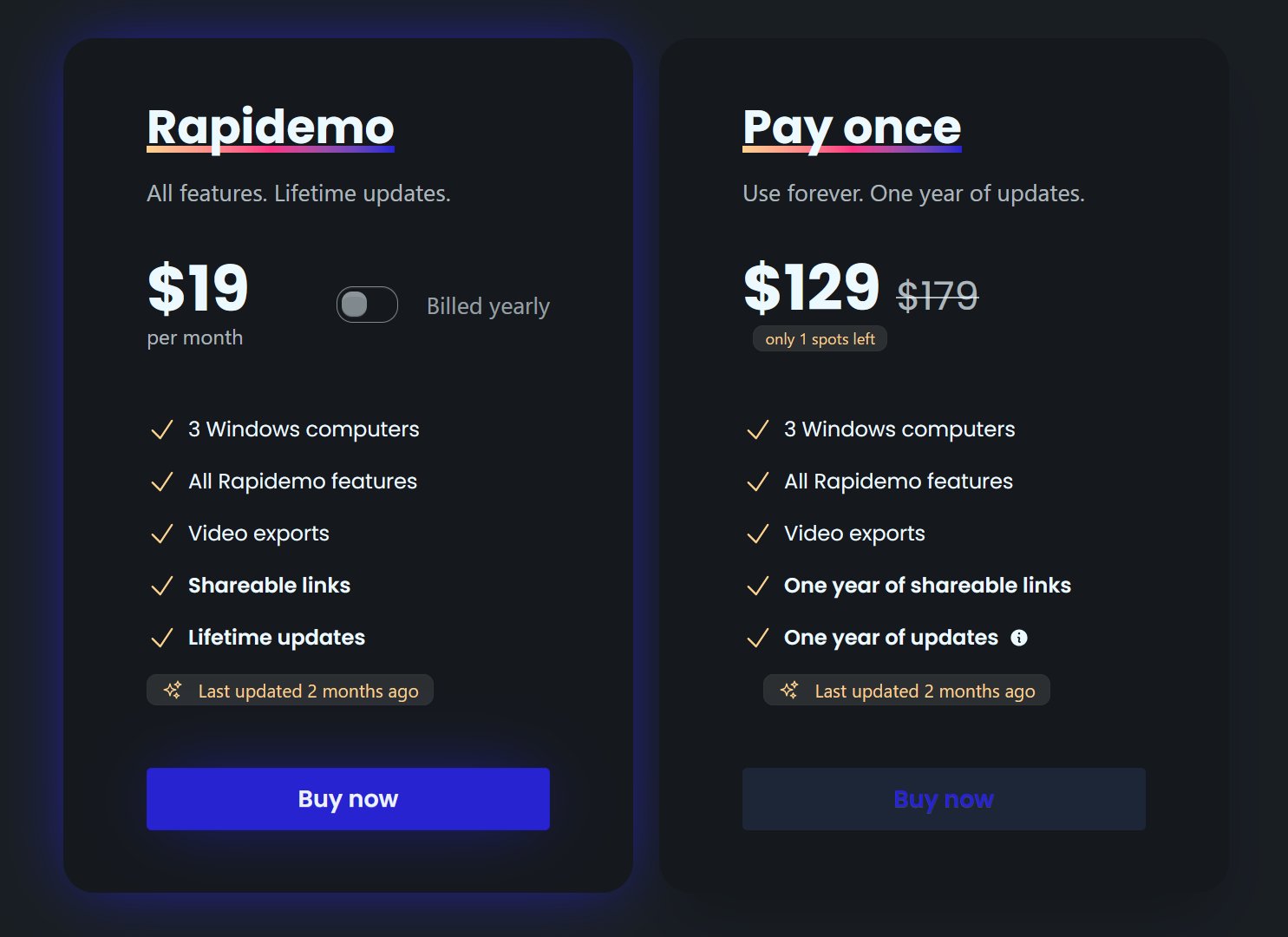
CleanShot X is $35 once. Rapidemo is a paid app, and the trial exports nothing until you buy. If you only ever needed CleanShot X for screenshots, the Windows side costs nothing. If you used its recorder for product clips, the trade is a paid app for a better recorder.