 Rapidemo

October 2026 Update

Here's what's new and what's next for Rapidemo. Welcome to the October update!
This month I shipped two highly requested features: GIF export and voice enhancement. Rapidemo now exports looping GIFs to drop into emails, docs and chats. Voice enhancement turns a noisy microphone recording into a clean, studio-like voice.
What’s new ✨
🎞️ GIF export
Sometimes a video is too much. A short GIF plays right inside an email, a docs page or a chat message, with no play button and no player.
Open the exporter and pick GIF under Format. The rest works like an MP4 export: choose the aspect ratio, resolution and frame rate, and queue the render.

GIFs have no sound, go up to 1080p and play at 25, 20 or 10 fps, which keeps the file small.
The exporting guide has the details.
🎙️ Voice enhancement
Not everyone records in a quiet room with a good microphone. Background noise, typing and the echo of the room all end up in your recording.
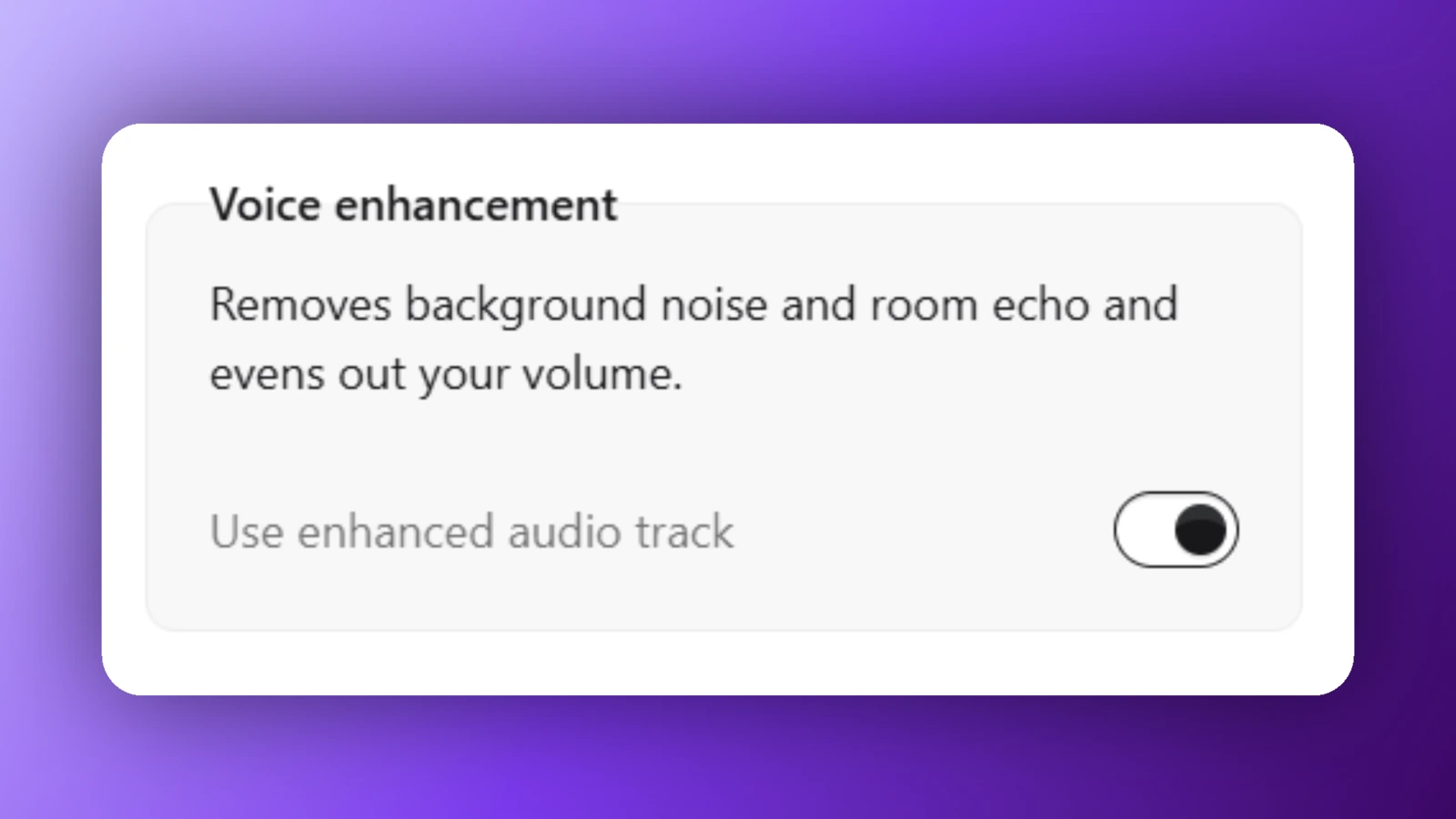
Enhance voice removes the background noise and the room’s echo, evens out your volume so quiet and loud sentences land at the same level, and makes your voice sound like a studio recording.
You’ll find Voice enhancement in the Camera and microphone properties, and it’s available for any scene with microphone audio.
Everything runs on your computer and nothing is uploaded, so your privacy is preserved. You can keep editing while your voice is enhanced, and the preview switches to the new voice as soon as it’s done.
Want to compare? Use enhanced audio track switches between the enhanced voice and your original recording instantly.
The voice enhancement guide has more.
🐛 Bug fixes and improvements
Recording at 60 fps now really captures 60 frames a second, and the camera records in full HD when it supports it.
System audio now exports at full volume and plays to the end of a recording that also has a microphone.
Small and very large cursors are much sharper now, and the cursor’s shadow looks the same at every size.
A recording cut short by the lock screen, a permission prompt or a crash now opens in the editor with everything captured up to that moment.
In multi-scene projects, the preview now plays each scene’s audio correctly.
As always, feel free to check out the full details in the Rapidemo changelog.
What’s next 🔮
Next, I’m planning to beef up spatial clips with an optional laptop 3D model. Perfect for capturing viewers’ attention in launch or feature videos.
I’m adding recorder hotkeys, so you can pause, resume and stop a recording without clicking any buttons.
And I’m building hotkey overlays. Rapidemo records the shortcuts you press while recording and shows them on screen in the final video.
Thanks to everyone adding ideas and votes to the feature board. It’s where I look first when I decide what to build, so keep them coming.
As always, I’ll post what I’m up to on X!
That’s it for the October update! Let me know what you think. I’ll keep writing these monthly posts to keep you in the loop (and keep myself accountable 😁).
Send me an email or a DM on X if you have feedback.
Talk soon, back to coding! 👨💻