

Snagit vs Rapidemo

Snagit and Rapidemo are built for different jobs. Snagit is TechSmith's screenshot-first capture tool, popular with technical writers and documentation teams, with lightweight video as a secondary feature. Rapidemo is built for polished, publishable screen videos with automatic zoom animations, cursor smoothing and animated subtitles. Here is how Rapidemo compares to Snagit for the video use case.

Free to record and edit. License unlocks export.

Rapidemo is built for Windows

Get a download link sent to your email for when you're back at your PC.

Check your inbox for your download link.

Just one email, no spam. Download for Windows.

Rapidemo is built for the video deliverable

Snagit is a screenshot tool with lightweight video bolted on. Rapidemo is video-first: it automatically zooms in on clicks, smooths the cursor, generates subtitles and animates layouts.

Customize without leaving the app

Rapidemo's timeline editor lets you tweak animations, add subtitles, customize cursors and switch aspect ratios, all without professional editing experience.

Free to record and edit. License unlocks export.

Rapidemo is built for Windows

Get a download link sent to your email for when you're back at your PC.

Check your inbox for your download link.

Just one email, no spam. Download for Windows.
See how it works

Rapidemo and Snagit comparison

Compare both tools side by side and see which fits your use case.

The Rapidemo logo Rapidemo Snagit
Recording
Record on Windows 10 and 11
Record camera and microphone
Unlimited recording length
Speaker notes
Video editing
Built-in timeline editor
Automatic zoom animations on clicks
Cursor smoothing
Animated subtitle generation
Animated side-by-side layout
Animated camera overlay
Multiple aspect ratios without re-editing
Screenshots
Screenshot capture and annotation
Scrolling capture for long pages
Step Capture (auto-numbered click guides)
Exporting
Fast 4K video exports
Smooth 60 frames per second

Rapidemo covers 13 of 16 categories in this comparison, including 8 Snagit doesn't.

When Snagit is the better fit

Snagit is the industry standard for annotated screenshots and lightweight clips. Pick Snagit if:

  • Your primary need is screenshots and annotated images, not video.
  • You write technical documentation, training materials or internal communications and need fast capture-and-markup tools.
  • You rely on scrolling capture for long pages or Step Capture for auto-numbered click guides.
  • You make short, low-stakes "snapshot-and-explain" clips to send to a colleague (TechSmith's own positioning).

If your deliverable is the video itself, polished and publishable, Rapidemo is purpose-built for that. TechSmith themselves route customer-facing video workflows to Camtasia rather than Snagit.

Rapidemo is the best! Easy to work with, no learning curve and super professional output! Can't recommend enough!
Headshot of Rapidemo user Petko
Petko @pbozhinow
records product videos
Thanks to Rapidemo I didn't have to spend a fortune on hiring an editor for my digital courses!
Headshot of Rapidemo user Sebastian
Sebastian @BlameReality
records digital courses

Snagit alternative for Windows: FAQ

Common questions about using Rapidemo instead of Snagit for demo videos.

What is a good Snagit alternative for screen recording on Windows?

Rapidemo. Where Snagit centers on screen capture and light recording, Rapidemo automatically adds zoom-on-click animations, cursor smoothing, subtitles, and cinematic layouts to produce polished demo videos on Windows 10 and 11.

Does Rapidemo do automatic zoom and cursor smoothing that Snagit doesn't?

Yes. Rapidemo detects clicks and automatically adds zoom animations and smooth, cinematic cursor motion from a single take, then lets you tune them in a timeline editor.

Is Rapidemo better than Snagit for product demo videos?

For polished, published product demos, yes: Rapidemo is purpose-built for automatic zooms, smooth cursor motion, and animated layouts, so recordings look professionally edited without the manual work.

Can I try Rapidemo for free?

Yes. Download Rapidemo and use every feature for free. You only need a license to export your finished video.

How much does Rapidemo cost?

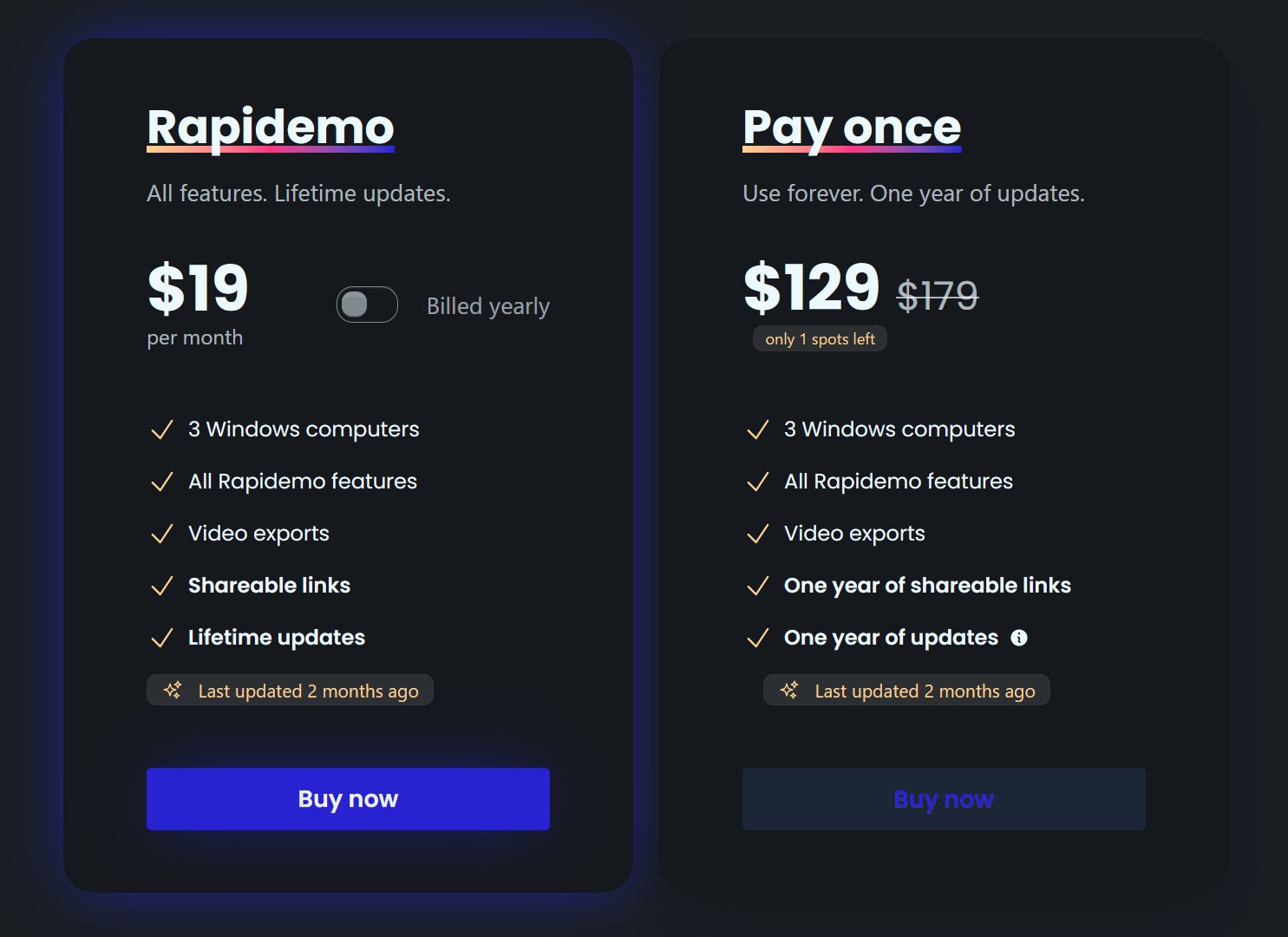
Rapidemo starts at $9/month billed annually, with a monthly plan and a one-time lifetime license also available. See the pricing page for full details.

Can I get a refund?

Yes. Lifetime license purchases are refundable within 7 days. Subscriptions and lifetime renewals are non-refundable.

What Rapidemo users are saying

850+ creators record beautiful screen recordings with Rapidemo.