

ScreenPal vs Rapidemo
ScreenPal (formerly Screencast-O-Matic) bundles recording, light editing and hosting into one cross-platform subscription, popular with educators and trainers. Rapidemo is focused on polished, publishable video with automatic zoom animations, cursor smoothing and animated layouts that ScreenPal doesn't offer. Here is how Rapidemo compares to ScreenPal.Free to record and edit. License unlocks export.
Rapidemo is built for Windows
Get a download link sent to your email for when you're back at your PC.
Rapidemo automates the polish for you
ScreenPal records and lightly edits. Rapidemo automatically zooms in on clicks, smooths the cursor, generates subtitles and animates layout transitions, no manual polish required.
Automatic zoom on clicks
Rapidemo creates smooth zoom animations from your clicks automatically. ScreenPal doesn't include automatic zoom.
Cursor smoothing
Rapidemo turns shaky mouse movement into a pleasant, smooth glide automatically. ScreenPal records the cursor as-is.
Animated layouts
Cut your video and pick a layout per clip: side-by-side, camera overlay, fullscreen. Layout transitions animate smoothly. ScreenPal's editor doesn't offer animated layout transitions.
Animated subtitles on every plan
Transcribe your audio and add subtly animated subtitles in one click. ScreenPal gates AI captions behind its top tier.
Customize without paying for the top tier
Rapidemo's timeline editor and all polish features are included on every plan, including subtitles, multi-aspect-ratio exports and 4K. No tier gating on the features that matter.
Switch aspect ratios in one click
Preview landscape, portrait and square video without re-editing. Rapidemo adjusts all animations and layouts automatically so the same recording exports in multiple formats.
Crisp vector cursors
Rapidemo replaces pixelated system cursors with crisp vector graphics that stay sharp during zooms and can be resized or themed in the editor.
Animated camera overlay
Add your webcam and let Rapidemo scale it down smoothly during zoom animations to reveal more of the screen recording.
Full timeline editor on every plan
Customize automatically created effects, cut your video, change the background and tune all animations. Rapidemo's editor has the same depth on every plan.
Free to record and edit. License unlocks export.
Rapidemo is built for Windows
Get a download link sent to your email for when you're back at your PC.
Rapidemo and ScreenPal comparison
Compare both tools side by side and see which fits your use case.
|
|
ScreenPal | |
|---|---|---|
| Recording | ||
|
Record on Windows 10 and 11
|
||
|
Record camera and microphone
|
||
|
System audio on every plan
|
||
|
Unlimited recording length on every plan
|
||
|
Speaker notes
|
||
| Editing | ||
|
Built-in timeline editor
|
||
|
Automatic zoom animations on clicks
|
||
|
Cursor smoothing
|
||
|
Animated subtitles on every plan
|
||
|
Animated side-by-side layout
|
||
|
Animated camera overlay
|
||
|
Crisp vector cursors
|
||
| Exporting | ||
|
4K exports on every plan
|
||
|
No watermark on every plan
|
||
|
Smooth 60 frames per second
|
||
|
Multiple aspect ratios without re-editing
|
||
| Hosting and sharing | ||
|
Built-in cloud hosting with shareable links
|
||
|
Mobile apps for iOS and Android
|
||
|
Chromebook and browser-based recording
|
Rapidemo covers 17 of 19 categories in this comparison, including 12 ScreenPal doesn't.
When ScreenPal is the better fit
ScreenPal is a competent generalist for educators, trainers and cross-platform teams. Pick ScreenPal if:
- You need recording, light editing and hosting bundled in one subscription.
- You record across Windows, Mac, Chromebook, iOS or Android, and need a single tool for all of them.
- You're an educator or trainer who relies on interactive quizzes, LMS integrations or stock media libraries.
- You're happy adding zoom effects, cursor highlights and other polish manually rather than automatically.
If you'd rather get a polished, publishable video without manually adding effects, and you want subtitles and 4K on every plan, Rapidemo handles the polish for you.
ScreenPal alternative for Windows: FAQ
Common questions about using Rapidemo instead of ScreenPal for polished demos.
What is a good ScreenPal alternative for polished demos on Windows?
How is Rapidemo different from ScreenPal?
Does Rapidemo automatically add zoom and cursor effects?
Can I try Rapidemo for free?
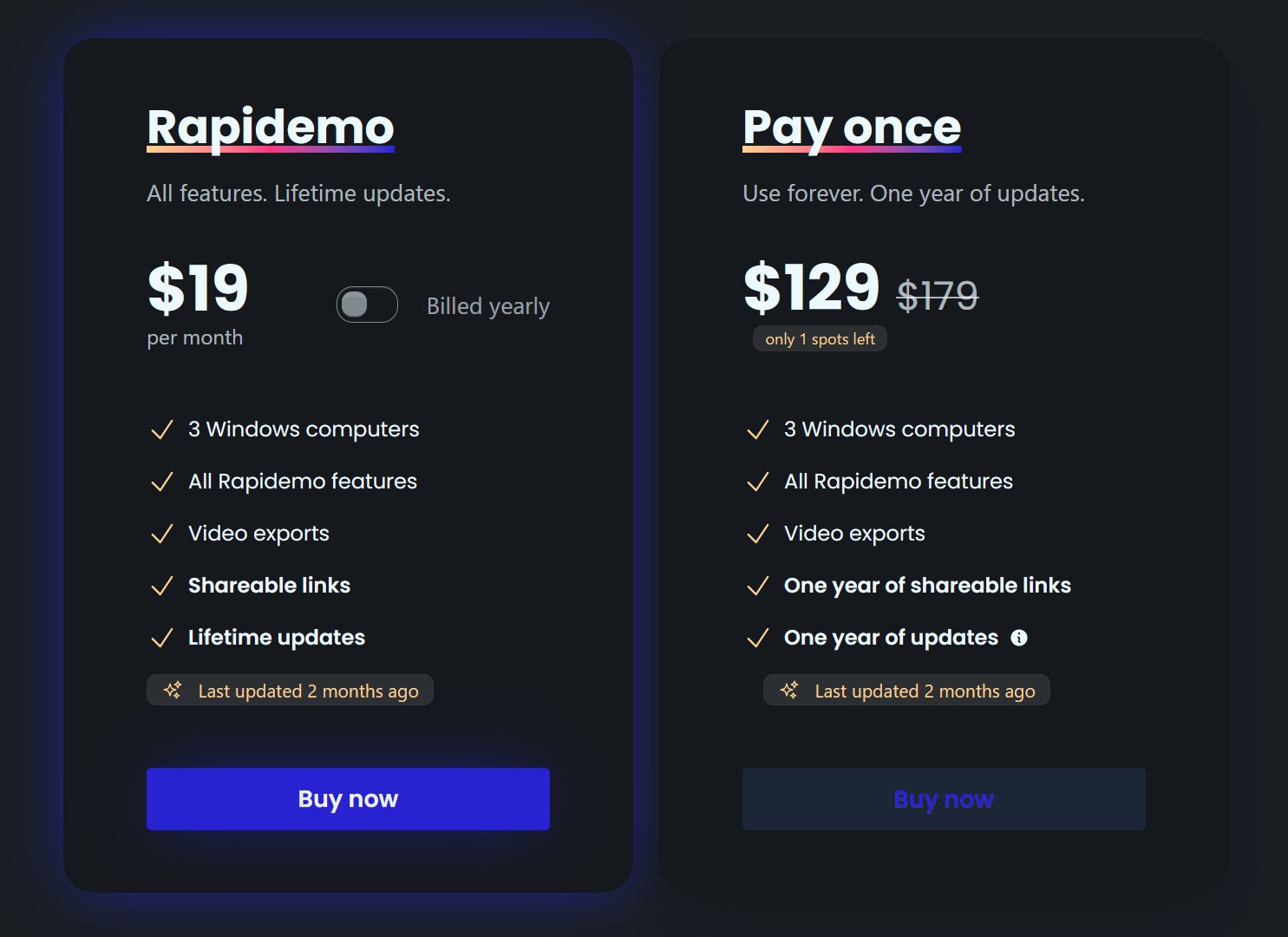
How much does Rapidemo cost?
Can I get a refund?
Keep exploring
Loom vs Rapidemo
Compare Rapidemo to Loom on video quality, editing features, and privacy.
Camtasia vs Rapidemo
Compare Rapidemo to Camtasia on automatic editing, timeline depth, and ease of use.
Best Screen Studio alternatives
Screen Studio is macOS only. See the five best alternatives for Windows and beyond.
Best screen recorders for Windows
A ranked list of Windows screen recorders, each best at a different job.
What Rapidemo users are saying
850+ creators record beautiful screen recordings with Rapidemo.